1
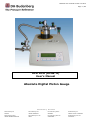
DPG10A User manual Version 10.2010
Page 47 / 82
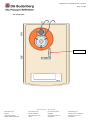
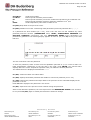
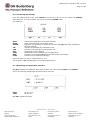
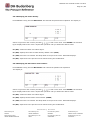
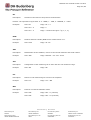
6.7.5 Identifying the DPG10A.
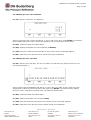
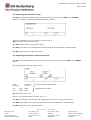
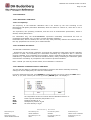
F3 (VAL) identifies the DPG10A after the user has selected IDN in the SYSTEM menu. A display
appears with the standard’s name, the software version and the serial number.
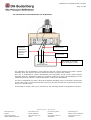
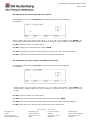
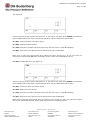
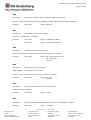
6.7.6 Measuring cell configuration.
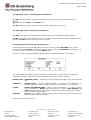
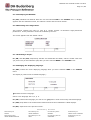
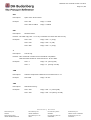
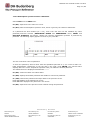
This function enables the users to look at a certain number of DPG10A’s highly-advanced
parameters. Those parameters cannot be modified by the user.
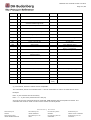
The screen appears with the default values:
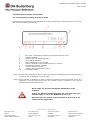
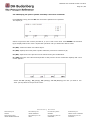
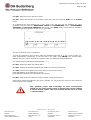
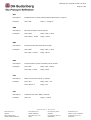
6.7.7 Activating a beeper.
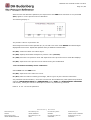
F2 (ON) and F3 (OFF) respectively activate and deactivate the ‘BEEP’, which is heard each time
you press a key on the DPG10A’s pad, after you have selected BEEP in the SYSTEM menu.
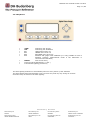
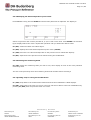
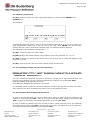
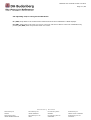
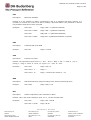
6.7.8 Changing the displaying language.
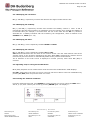
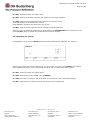
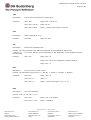
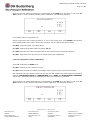
F2 (EDT) selects the menu displaying language after you have selected LANG in the SYSTEM
menu.
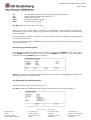
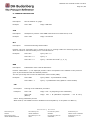
The display is (with French as default language):
√ indicates the active language.
Select a new language with ∧, ∨, <, >.
F3 (VAL) confirms the language you wish to use. √ appears in front of the newly selected language.
F1 (SAV) steps back to the measurement mode and saves the modifications. SAVE displays.
F4 (ESC) steps back to the previous screen.
DH Budenberg
Worldwide
DH Budenberg SA
FRANCE
DH Budenberg LTD
UNITED KINGDOM
DH Budenberg Gmbh
GERMANY
DH Budenberg Inc
UNITED STATE of AMERICA
DH Budenberg FZCO
UNITED ARABES EMIRATES
DH Budenberg PV LTD
INDIA
DH Budenberg PTE LTD
SINGAPORE
DH Budenberg PTY LTD
AUSTRALIA