1
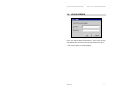
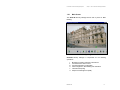
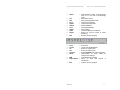
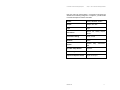
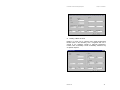
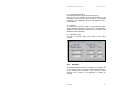
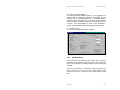
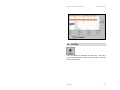
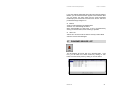
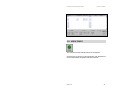
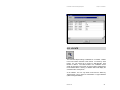
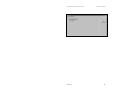
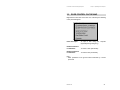
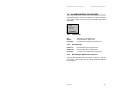
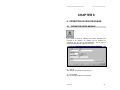
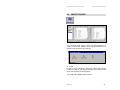
EsofLAN Door Access Control Management System Chapter 6 – Operator Access Privilege Password Password for the operator. You can also put a photograph of the operator by clicking on the photo button to load a ‘bmp’ formatted photo. Click on the define button for the following Form to specify Access Rights. The listbox on the left displays defined Access Rights. The center list shows exactly the screen and functions relating to particular Access Rights, selected by user. For example, a supervisor have the priviledge to access into the Designer, FEP Setup(Net Setup), Security Manager Main Screen, Security Manager ACK History Command, Security Manager Alarm Queue Command and etc. The right list contains the privileges predefined by the EsofLAN system for selection purposes. "+" is to add a privilege to the Center List Box "<" is to replace ">" is to remove Add is to define a new Access Right while delete is to remove/purge it. Edit is to change the Access Functions, Screen or Module of an existing Access Right. Revision 1.0 51