1
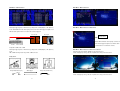
DVR Initialing
or detect a new hard disk
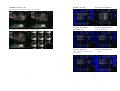
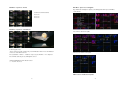
Mouse Control
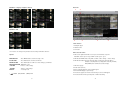
○ Screen display
1
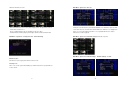
1. Double-click of the left button on desired camera
to full channel
○ ○ ○
2. Double-click of the left button on desired camera
2
to 9 split screen
3
1
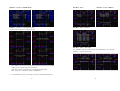
○ Menu display
3
**Notice**
○ None
○ Select
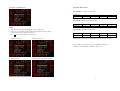
Please set HDD to Master if only one
installed.
1. One-click of the right button to menu OSD
2. Back to last OSD page
2
No function
1
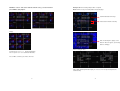
1. One-click on the item of OSD
2. One-click on the value of item
3. One-click on the Exit to quit and save menu
4. From right-up to left-below and the set motion
detect area
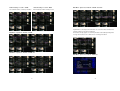
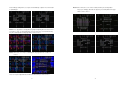
Recording icon
Overwrite
Motion
Alarm
Live screen
Event (Motion / Alarm)
Operate:
Video loss
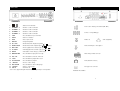
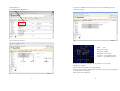
MENU BUTTON
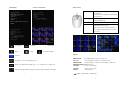
Keypad lock * 111111 is the default password
On live, press Enter button to (Shift) mode + 1; 2; 3 ; 4 switch to 5; 6; 7; 8 full screen.
Hard Disk capacity; Hard Disk capacity used; Network Type and IP address information
ESC / PTZ
: Press ESC button to exit menu / To PTZ control mode
ENTER BUTTON
: Press Enter button to confirm set or value change(+) / Shift mode
DIRECTION BUTTON : MENU item select
+ BUTTON
: Increase + values change
- BUTTON
: Reduce - values change
BACKUP
: To backup mode
(
7
: Press MENU button to enter menu setup or exit
) MOVE
(ENT) SELECT (MENU) EXIT
8