1
Analyzing Waveforms
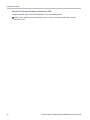
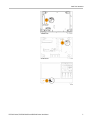
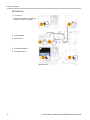
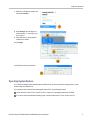
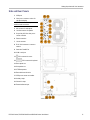
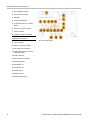
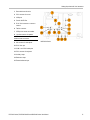
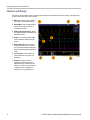
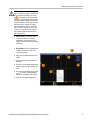
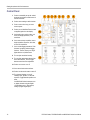
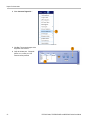
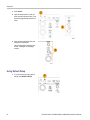
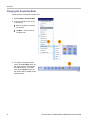
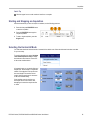
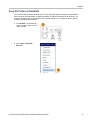
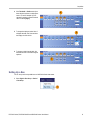
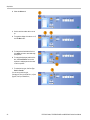
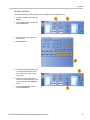
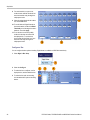
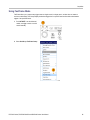
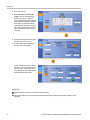
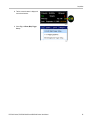
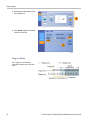
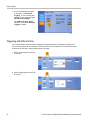
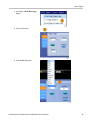
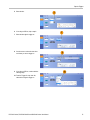
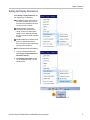
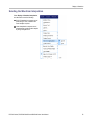
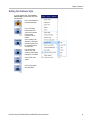
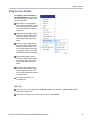
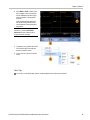
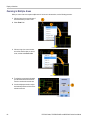
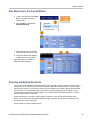
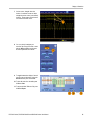
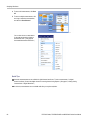
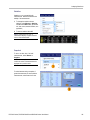
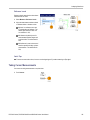
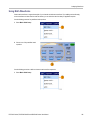
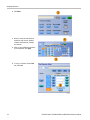
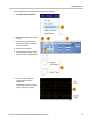
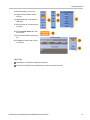
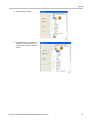
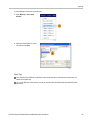
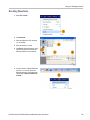
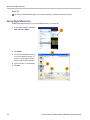
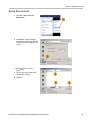
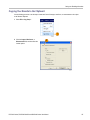
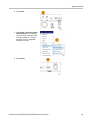
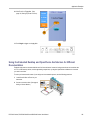
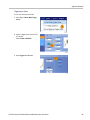
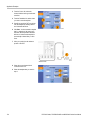
6. Click Failure Notification to set up the
Failure Notification.
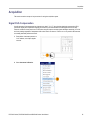
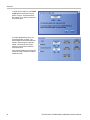
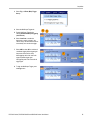
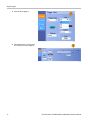
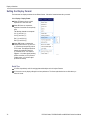
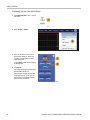
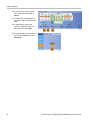
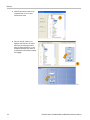
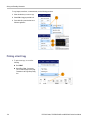
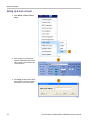
7. Select the Failure Notification(s), and
then click Setup to return to the setup
control window.
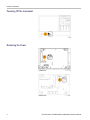
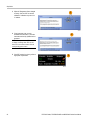
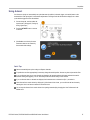
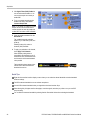
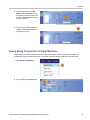
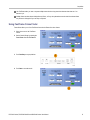
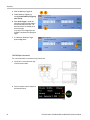
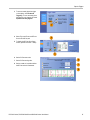
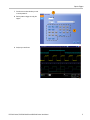
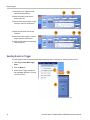
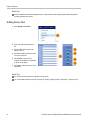
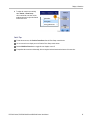
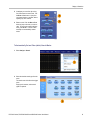
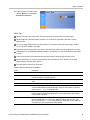
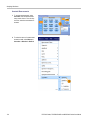
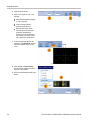
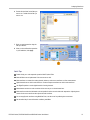
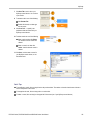
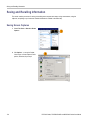
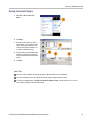
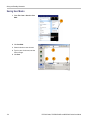
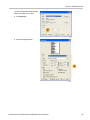
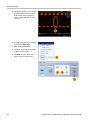
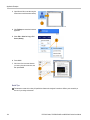
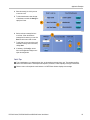
8. Click Lock Template to Waveform On to
lock the vertical scale or position of the
template to that of the source waveform.
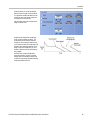
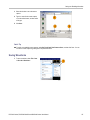
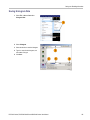
9. Click Highlight Hits On to show points
that fall outside the template in a
different color.
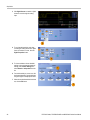
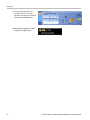
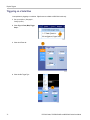
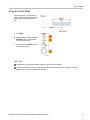
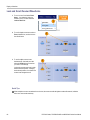
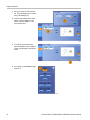
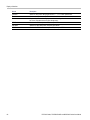
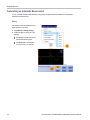
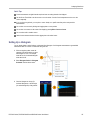
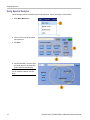
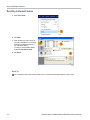
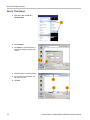
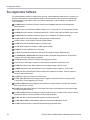
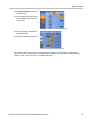
10. Toggle Limit Test to On to start the test.
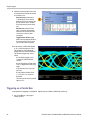
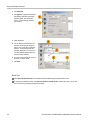
11. Click Reset to clear all violations and
reset the test.
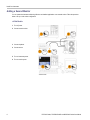
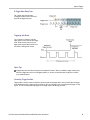
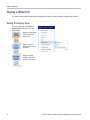
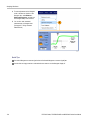
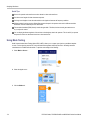
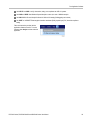
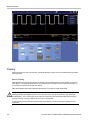
Quick Tips
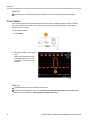
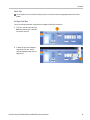
You can use active or saved waveforms to create a limit test template.
Using Average acquisition mode will create a smoother template waveform.
Using Envelope acquisition mode will create a template that allows for occasional overshoots.
DPO7000 Series, DPO/DSA70000/B and MSO70000 Series User Manual
119