1
Acquisition
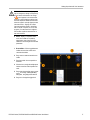
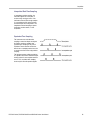
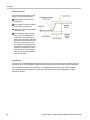
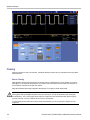
Use FastFrame when you want to capture multiple events that have long dead times between them that are of no
interest to you.
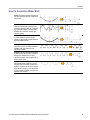
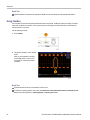
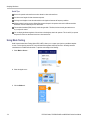
Multiple frames are best viewed with the Normal, Green, or Gray color palettes because the dark blue selected frame
may be hard to distinguish if you use Temp or Spectral.
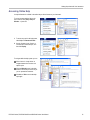
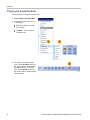
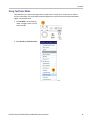
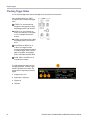
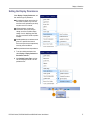
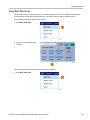
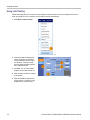
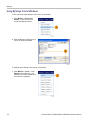
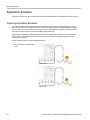
Using FastFrame Frame Finder
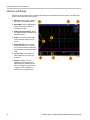
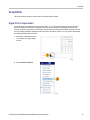
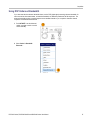
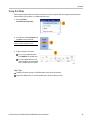
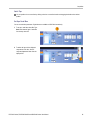
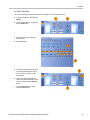
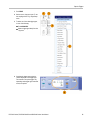
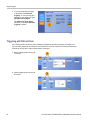
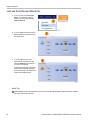
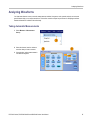
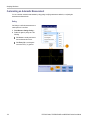
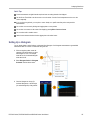
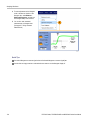
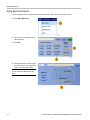
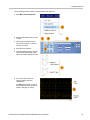
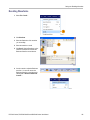
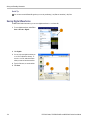
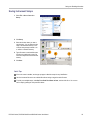
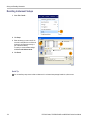
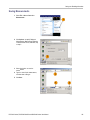
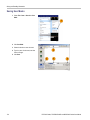
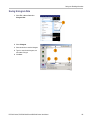
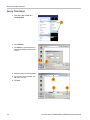
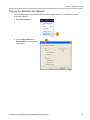
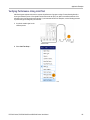
Frame finder allows you to find a FastFrame frame that is different from other frames.
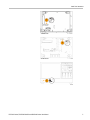
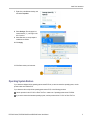
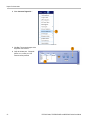
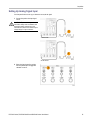
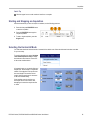
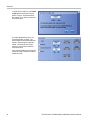
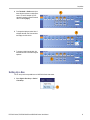
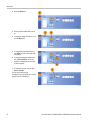
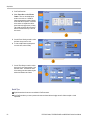
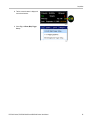
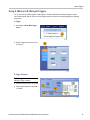
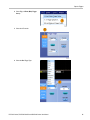
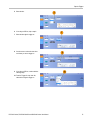
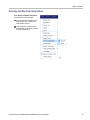
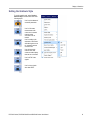
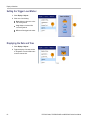
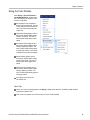
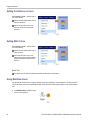
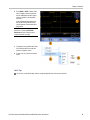
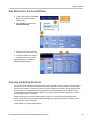
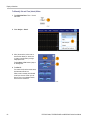
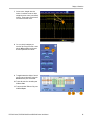
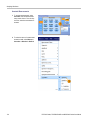
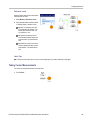
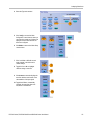
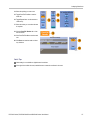
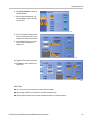
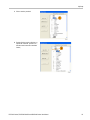
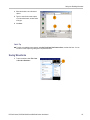
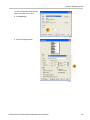
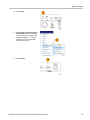
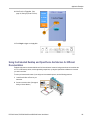
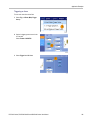
1. Select the source of the FastFrame
frames.
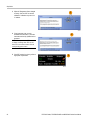
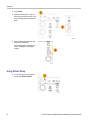
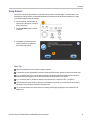
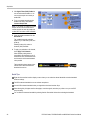
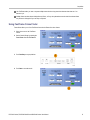
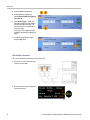
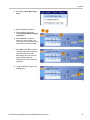
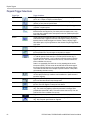
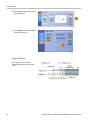
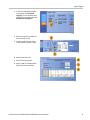
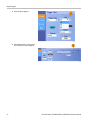
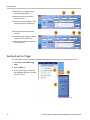
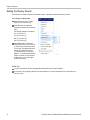
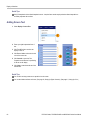
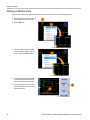
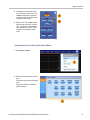
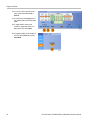
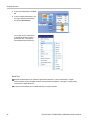
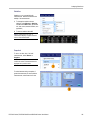
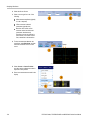
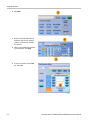
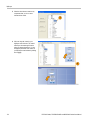
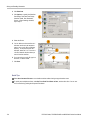
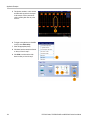
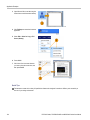
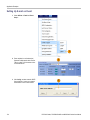
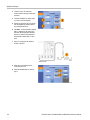
2. Set the Search Range by entering the
From Frame # and the To Frame #.
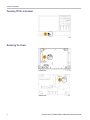
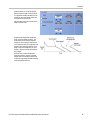
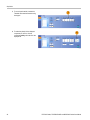
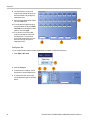
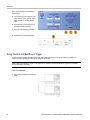
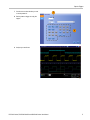
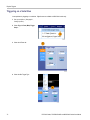
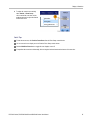
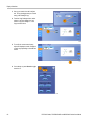
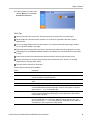
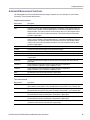
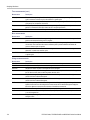
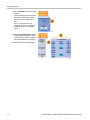
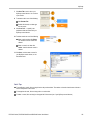
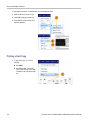
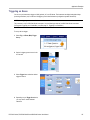
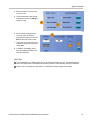
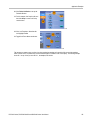
3. Push Run/Stop to stop acquisitions.
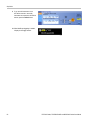
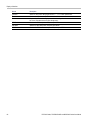
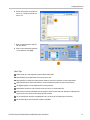
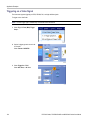
4. Push Start to start the search.
DPO7000 Series, DPO/DSA70000/B and MSO70000 Series User Manual
51