1
SOFTUNE FIRST STEP GUIDE
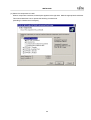
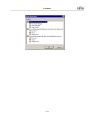
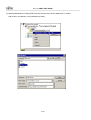
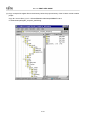
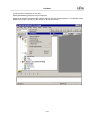
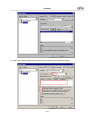
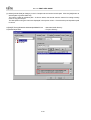
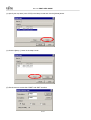
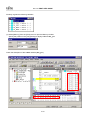
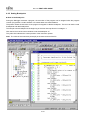
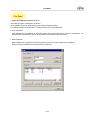
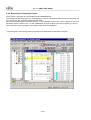
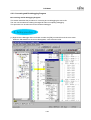
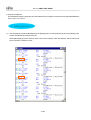
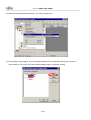
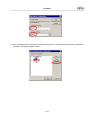
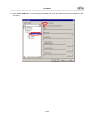
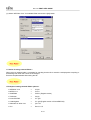
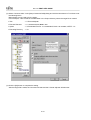
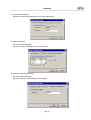
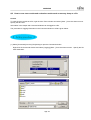
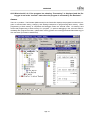
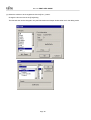
(3) Select [Include Path] at Category in the C Compiler tab and set the include path. Click the [Add] button to
add the path to [Include Path List].
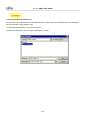
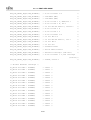
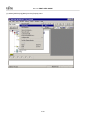
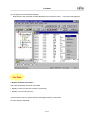
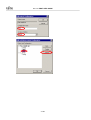
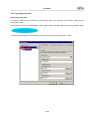
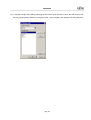
The path is usually an absolute path. As shown below, this tutorial uses the macros for setting to easily
move or copy the Project.
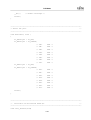
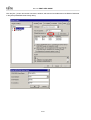
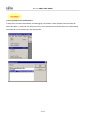
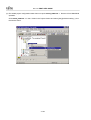
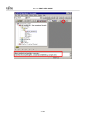
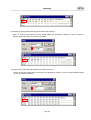
The descriptions using the macro are displayed in the Option column. Check that the post-expansion path
is correct.
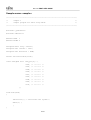
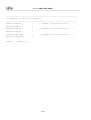
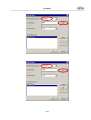
%(ENV[FETOOL])\lib\896\include\sample\MB95FV100
%(PRJPATH)\include
4-48
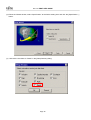
→ SOFTUNE install directory
→ Project directory