1
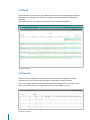
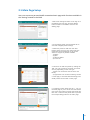
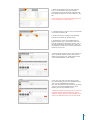
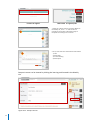
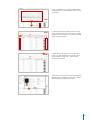
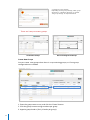
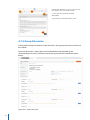
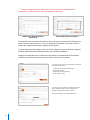
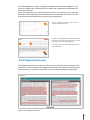
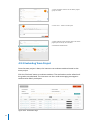
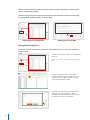
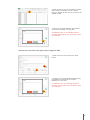
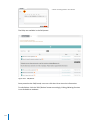
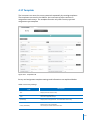
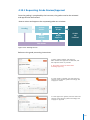
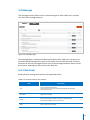
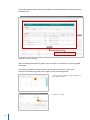
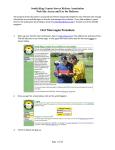
2. Complete the attendance by filling in the
status on the Excel file.
2
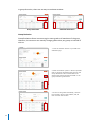
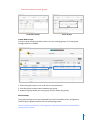
※ Only type ‘Y’ if student is present, or ‘N’ if
absent.
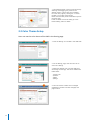
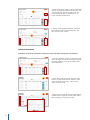
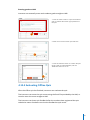
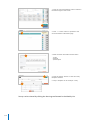
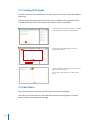
3. After saving the changes, click the 'Upload'
button to upload the file. The attendance will be
applied to LMS.
3
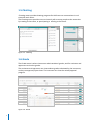
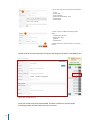
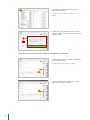
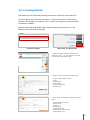
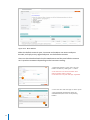
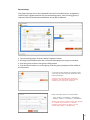
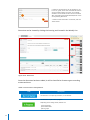
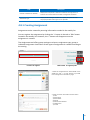
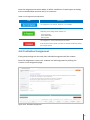
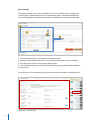
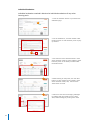
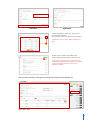
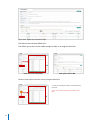
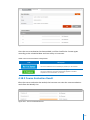
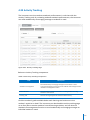
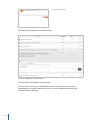
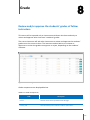
The instructor can manually take students’ attendances in the LMS.
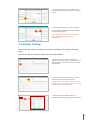
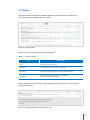
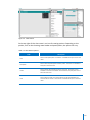
1. Select either ‘Present’ or ‘Absent’, depending
on the student’s status.
※ Must select either present or absent.
1
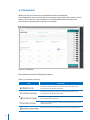
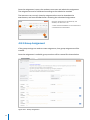
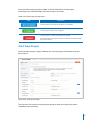
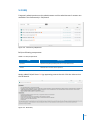
2. After completing the attendances, click the
‘Save’ button to apply the data.
2
41