1
More Intermediate SKills
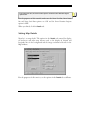
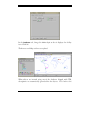
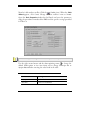
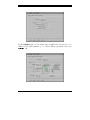
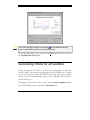
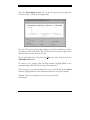
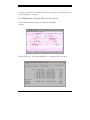
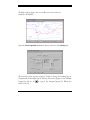
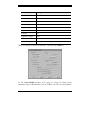
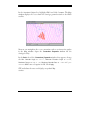
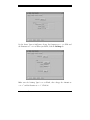
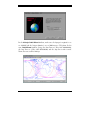
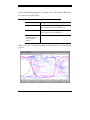
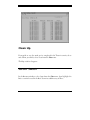
To prepare for the next exercise, let’s clean up the STK environment by
setting the Latitude to 0.0°,Longitude to 0.0°, and the Projection back to
Equidistant Cylindrical. Then go back to the Details tab and reset the Lat/Lon
Lines so that they don’t show and click Apply.
Map Backgrounds
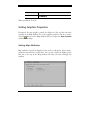
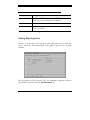
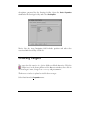
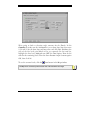
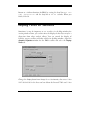
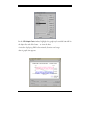
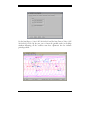
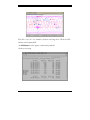
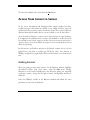
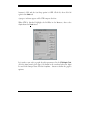
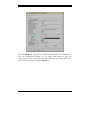
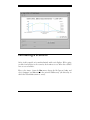
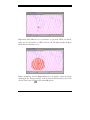
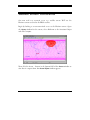
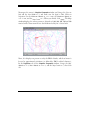
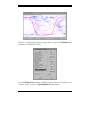
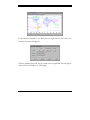
You can also apply a different background to display in the Map window. In
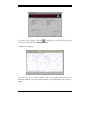
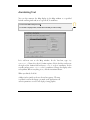
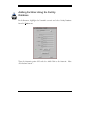
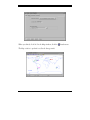
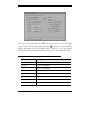
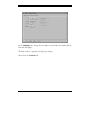
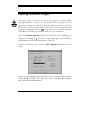
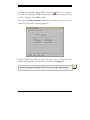
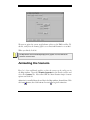
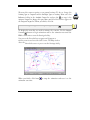
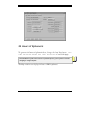
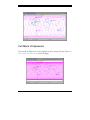
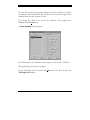
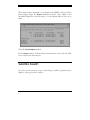
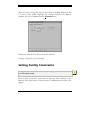
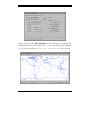
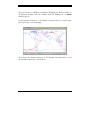
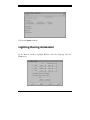
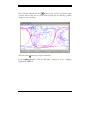
the Details tab, set the Background to AGI1024.xpm and click OK.
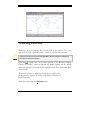
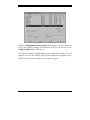
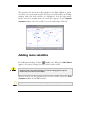
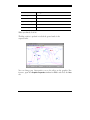
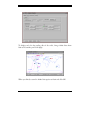
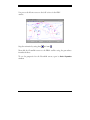
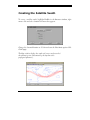
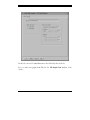
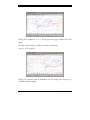
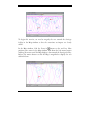
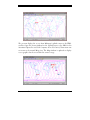
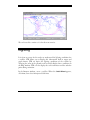
The Map window now displays a textured background.
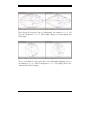
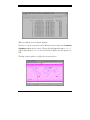
You can display a personalized map background in the Map window or use
one of the background images shipped with STK.
Satellite Tool Kit® Tutorial
4-21