1
2 GETTING STARTED / OPERATION
...............................................................................................................................................................................................................
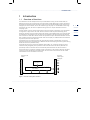
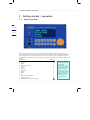
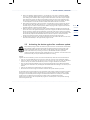
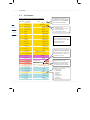
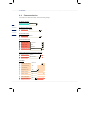
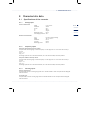
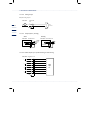
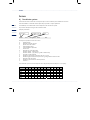
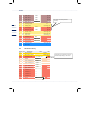
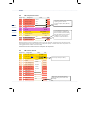
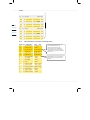
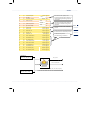
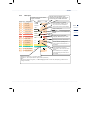
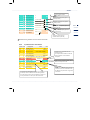
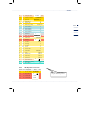
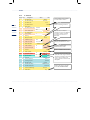
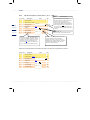
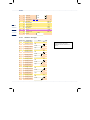
The <*> Select key fulfils an important function as it helps you orient yourself in the coordinate system and
select the desired chapter. Using this key, you can switch back from any location in the coordinate system
to the current chapter with heading, etc. If you press the <*> key once again, you are referred back to the
function (coordinate) where you came from.
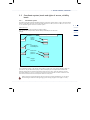
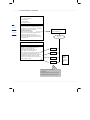
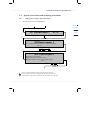
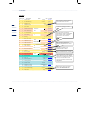
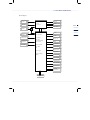
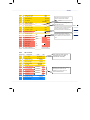
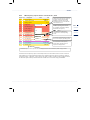
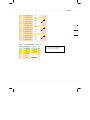
Whenever the device shows a view with a chapter heading, you can access all chapters of the entire
system by pressing the Cursor Right or Left key. When you have reached the desired chapter
heading, press the Cursor Up or Down key to access the chapter or press Enter to activate the
function.
8
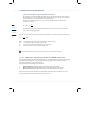
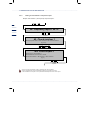
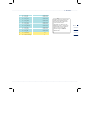
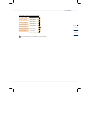
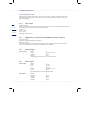
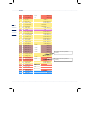
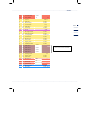
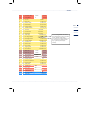
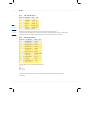
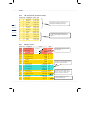
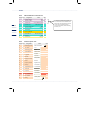
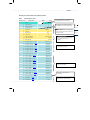
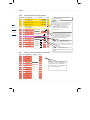
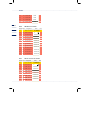
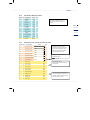
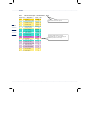
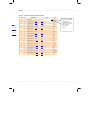
If you are inside a chapter (i.e. in a column of the table with the functions), you can also browse through all
chapters of the complete coordinate system by pressing the Cursor Right or Left key. During the time you
are browsing, the current coordinate is displayed for approx. 2 seconds in the fourth line.
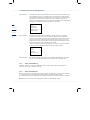
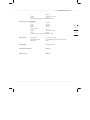
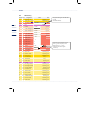
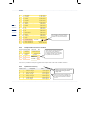
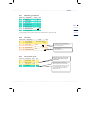
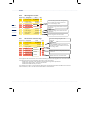
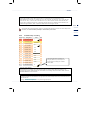
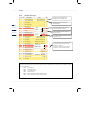
Further guidance is provided by the option of permanently showing the coordinate of the current field
together with each value displayed. To do this, press <0> Mode and browse downwards to Display. Then
press Enter and the Cursor Up or Down key to access the Coordinates function and set the parameter to
"Yes". Now all fields will be displayed together with their coordinates. Since the 4-character coordinates will
then appear, long texts exceeding 20 characters per line will be truncated on the display.
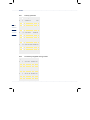
2.2.2
Levels and rights of access
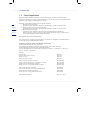
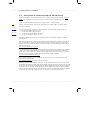
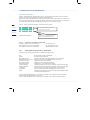
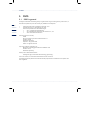
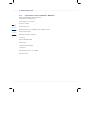
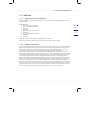
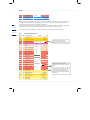
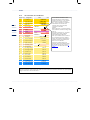
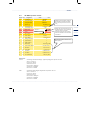
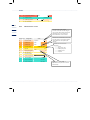
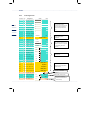
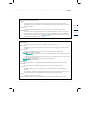
The ERZ 2000 system provides three access levels to change parameters or device settings.
The lowest level is the user level which is protected by code. It is marked B, C or P in the following
documentation.
The second level is protected by the official calibration lock in the form of a sealable turn switch. It is marked E
in the following documentation.
The third and highest level is the special-purpose level ("superuser level") which is reserved for type changes,
etc. The special-purpose level can be reached by entering the code and by additionally opening the calibration
lock. It is marked S in the following documentation.
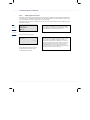
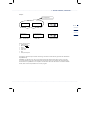
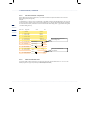
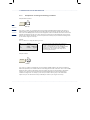
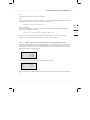
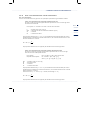
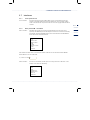
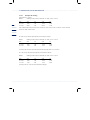
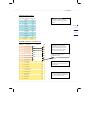
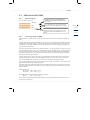
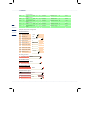
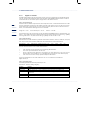
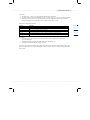
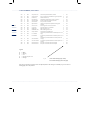
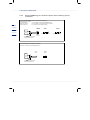
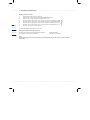
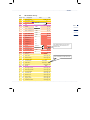
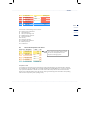
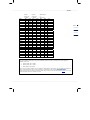
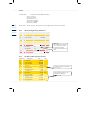
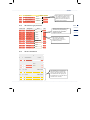
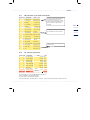
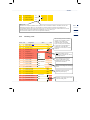
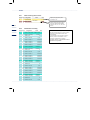
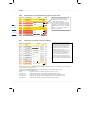
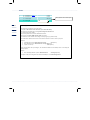
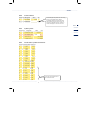
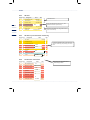
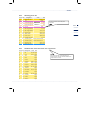
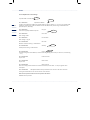
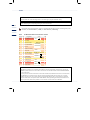
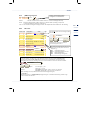
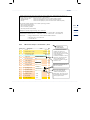
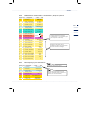
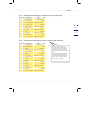
A symbol (point, rhombus or blank) indicates whether a value displayed can be edited. The symbol is located
between the line information and the text, e.g.
Any column, line 2:
02
Input value
Blank: Value cannot be edited
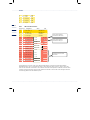
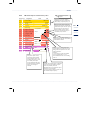
Any column, line 9:
09 Lower alarm limit
Point: Value can be edited but is locked by means of the user code or the official calibration lock
09 Lower alarm limit
Rhombus: Value has been enabled for editing.
...............................................................................................................................................................................................................