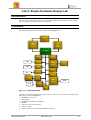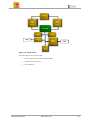
1
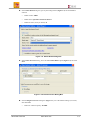
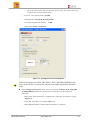
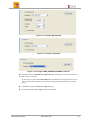
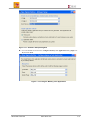
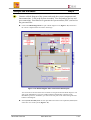
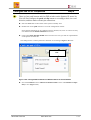
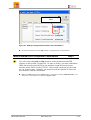
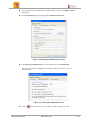
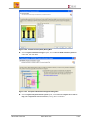
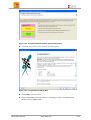
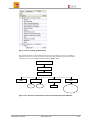
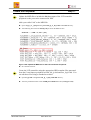
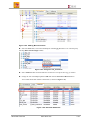
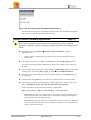
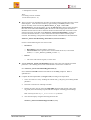
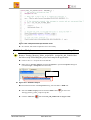
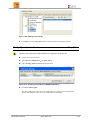
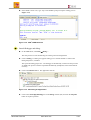
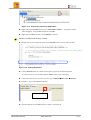
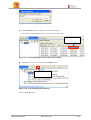
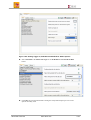
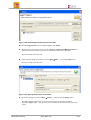
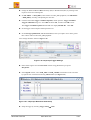
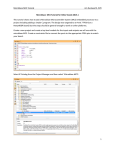
Creating the Project Using the Base System Builder Step 1 Launch Xilinx Platform Studio (XPS) and create a new project. Use Base System Builder to generate a MicroBlaze system and memory test application targeting the Spartan-3E starter kit. Open XPS by selecting Start → Programs → Xilinx ISE Design Suite 10.1 → EDK → Xilinx Platform Studio Leave the default Base System Builder option and click OK to start the wizard (Figure 13). If you clicked cancel, you can select File → New Project and the same dialog box will appear. Figure 1-3. New Project Creation Using Base System Builder Browse to c:\labs directory, create a new folder called lab4 and select it, and click Open followed by click Save (Figure 1-4). Click <OK>. Figure 1-4. Assigning Project Directory Select the I would like to create a new design option in the Welcome to Base System Builder dialog box and click Next. Xilinx EDK Tool Lab www.xilinx.com 1-4