1
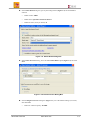
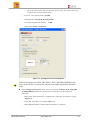
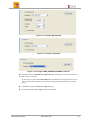
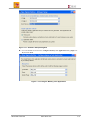
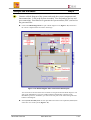
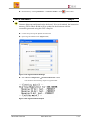
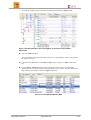
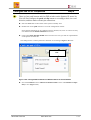
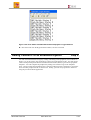
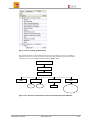
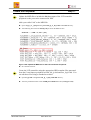
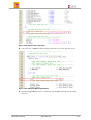
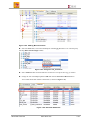
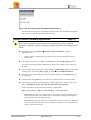
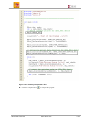
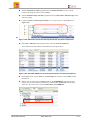
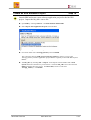
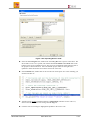
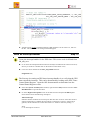
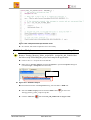
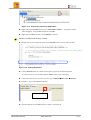
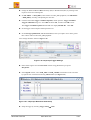
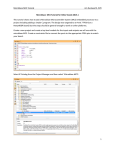
Create the Peripheral Step 11 Update the MPD file to include the lcd data output of the LCD controller peripheral so the port can be connected in XPS. Add a port called “lcd” to the MPD file. Open lcd_ip_v2_1_0.mpd in the pcores\lcd_ip_v1_00_a\data under lab4 directory. Add following line before the SPLB_Clk port under the Ports section PORT lcd = “ “, DIR = O, VEC = [0:6] Figure 1-48. Update the MPD file for the LCD Controller Peripheral Save the file and close Create the LCD controller using the appropriate HDL template files generated from the Create/Import peripheral wizard: lcd_ip.vhd and user_logic.vhd. You can edit these files using a standard text editor. Open lcd_ip.vhd in the pcores\ lcd_ip_v1_00_a\hdl\vhdl directory. Add user port lcd of width 7 under USER ports added here token (see Figure 1-49) Xilinx EDK Tool Lab www.xilinx.com 1-31