1
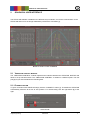
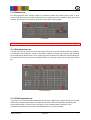
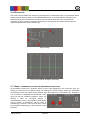
CIPA handshake tab
2.1.5 CUSTOM WAVEFORM TAB
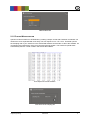
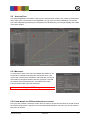
Upload a custom waveform to STEVE-6D by creating a simple .txt file with Cartesian coordinates. All
values have to be separated with a tab stop. The axis sequence is X Y Z U V W. Thereafter just set
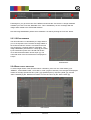
the sampling rate of your waveform in the STEVE-6D software and load the .txt file to the software. All
coordinates are irrespectively of the pivot point and homing position. The waveform upload starts
automatically after the .txt file is load in the STEVE-6D software.
Axis sequence for custom waveform
Load .txt file and set sampling rate
Image Engineering
STEVE-6D
6