1
Quick Operation Guide of Network Video Recorder
2)
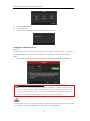
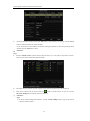
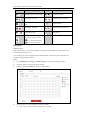
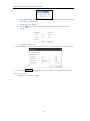
Select the Record Type for the period. The record type can be Schedule, Motion, Alarm, Motion &
Alarm, Motion | Alarm and Event.
3)
Click Save to save the settings.
4)
Click the
required.
5)
Click OK to save the settings.
icon of the day to copy the settings of current day to other days of the week if
5.
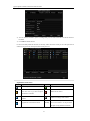
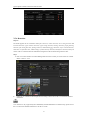
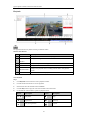
Click Advanced to configure advanced record parameters, and click the OK button to save the settings.
6.
You can click
to configure advanced record parameters to copy the schedule of current
camera to other cameras.
7.
Click Save to activate the above settings.
42