1
DevCom2000 Mobile User Manual
Step
Action
3
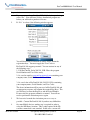
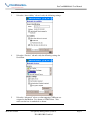
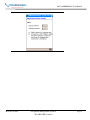
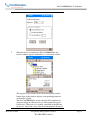
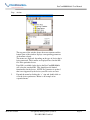
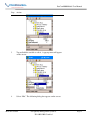
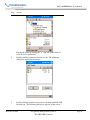
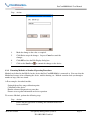
Select the “Accessibility” tab and verify the following settings:
4
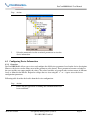
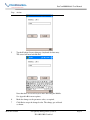
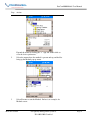
Select the “Services” tab and verify the following settings for
Serial Port:
5
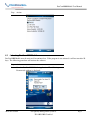
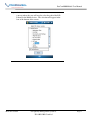
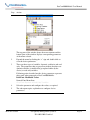
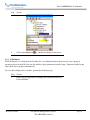
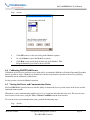
Select the “Advanced” tab to see what outgoing COM port was
assigned to the Modem. It is shown as COM8 below. Also
make sure the box is unchecked as shown:
MAN-1017 8/9/2011
Our Quality Management System is
ISO 9001:2008 Certified
Page 13