1
1 Outline
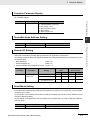
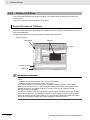
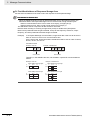
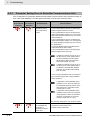
Restrictions
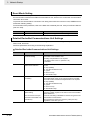
Restriction on Inverter Control Mode
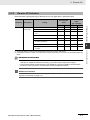
The following modes are disabled when the DeviceNet Communications Unit is used with an inverter.
• PM Motor mode
• High Frequency mode
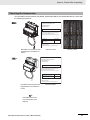
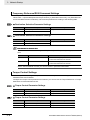
When the DeviceNet Communications Unit is used, MX2/RX-series RS485 communications (Modbus)
port is disabled.
In addition, when the MX2-series is used with an inverter, the external Digital Operator is disabled with
RJ45 connector function.
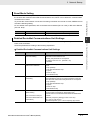
Restrictions on Inverter Light Load Mode
The MX2/RX-series Inverter can be set to the Heavy Load or Light Load mode.
Switching from the default Heavy Load mode to the Light Load mode disables the vector control, torque
control, and other functions.
As a result, in the Light Load mode, the following restrictions arise.
• The Light Load mode disallows writing of the torque reference, configuring a Remote I/O allocation
that includes torque reference data results in an error.
• In CX-Integrator, download of parameters using the EDS file fails. Because the Light Load mode disallows writing of some parameter data, you cannot use the EDS file to download parameters. If you
execute a download, an error will occur when a write-prohibit parameter is encountered, causing the
process to be terminated.
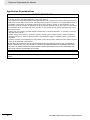
Precautions for Correct Use
To edit parameters via network, use the Inverter/Servo support software CX-Drive to establish
connection via an OMRON PLC and DeviceNet.
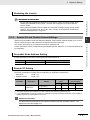
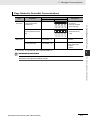
Restrictions on Editing Device Parameters
If you use CX-Integrator to edit device parameters with an EDS file, you cannot edit the second and
third control parameters of the inverter.
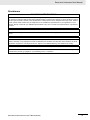
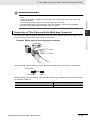
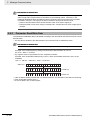
Precautions for Correct Use
To edit parameters via network, use the Inverter/Servo support software CX-Drive to establish
connection via an OMRON PLC and DeviceNet.
DeviceNet Communications Unit User’s Manual (I581-E1)
1 - 15
1
1-4-3 Restrictions
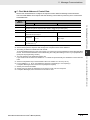
Restrictions on RS485 Communications and MX2-series Unit's RJ45
Connector
1-4 Restrictions on Use
1-4-3