1
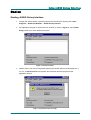
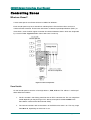
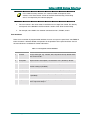
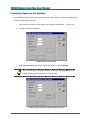
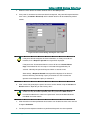
Getting Help Getting Help The online help for JANUS Galaxy Interface is a compiled Microsoft HTML Help system. It provides information about using the program features as well as step-by-step help to guide you through the program's basic functionality. This help system is designed to open in the HTML Help viewer — Microsoft's help window for viewing compiled HTML Help. If you do not have the HTML Help viewer components installed on your system, you can view it with Microsoft's Internet Explorer browser (use version 4.x or later for complete functionality). Documentation feedback Grosvenor Technology Ltd. strives to produce the highest quality online help and printed documentation. We want to help you learn about our products and get your work done quickly. We welcome your feedback. Please send your comments to [email protected]. This email address is for feedback about documentation only. If you have technical questions, please send email to [email protected]. To get JANUS Galaxy Interface system information select Help • About JANUS Galaxy Interface.... A dialog opens identifying the version of the program installed on your system. Context Sensitive Help As you work with JANUS Galaxy Interface, you can obtain information about windows or dialogs by using the context-sensitive help available in the application. You can access this help in several ways, including: Dialogs: Dialogs display Help buttons. Click the button and a topic opens that explains how to use the fields and controls at the dialog. Windows: From any window, press F1 to get more information about using it. What's This? Help: Some basic dialogs are common dialogs provided by the Windows operating system (for example Open and Save As). You will see a question mark in the upper-right corner of these dialogs to indicate that they provide What's This? Help (specific help for using each field or control at the dialog). Click the question mark and then click the field or control you want information about. A popup window opens and displays brief information about how to use the field or control. Grosvenor Technology Ltd. 2002 PM009R01 3