1
Controlling Inter-character Spacing Of Text In A Line
To manipulate the inter-character spacing of an entire line of text, use the Emwidth attribute.
Emwidth inserts additional space between the characters as a percent of Em. (Recall that Em is
defined as the width of a capital 'M' in the current font, and at its current size.)
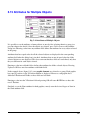
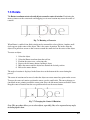
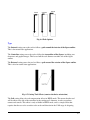
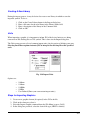
For example, to insert additional space between the characters, set Emwidth to 10% and press the
Layout button. This inserts 10% of the width of a capital 'M' between all characters.
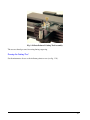
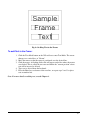
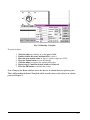
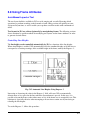
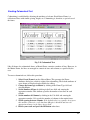
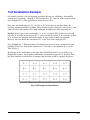
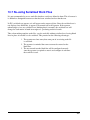
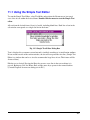
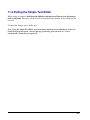
Fig. 5-29 0% (Default), 20% and 50% Emwidth
This is a powerful method for manipulating the inter-character spacing, since Em is:
o
o
o
Different for, and proportional to, the character set of each font.
Scalable, so 10% Em looks the same at any height.
Easy to use as a quick, uniform adjustment for inter-character spacing.
Emwidth % defaults to 0 (no adjustment), but can be easily modified for a uniform spacing
adjustment for the entire line.
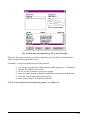
To edit the Emwidth % field:
1.
2.
3.
4.
5.
6.
7.
8.
Select the line by clicking on it.
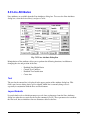
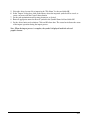
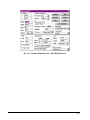
Press Ctrl-A in order to access the Line Attributes dialog box.
In the Layout Defaults section, click on the Emwidth field.
Enter the desired Emwidth value (negative values reduce spacing).
Press the Update button to view the changes.
Click the mouse to return to the Line Attributes dialog box.
Repeat steps 4-6 until the desired results are achieved.
Press the OK button to conclude the session.
132