1
Retail-Man System
Maintenance
122
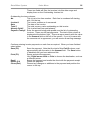
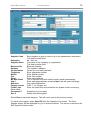
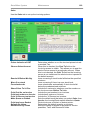
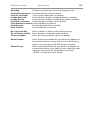
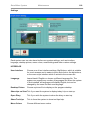
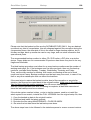
SMTP Port
Enter the SMTP port, normally it is 25.
Timeout
Enter the timeout in seconds. The default is 30 seconds.
Server Authentication
If your ISP requires server authentication, then tick this option
and enter a valid user name and password.
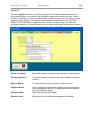
Attachment
Choose the type you want the system to convert your
documents that are emailed or saved. Choose PDF If you
want your documents to include images such as BMP and
JPEG. However, you need to have a PDF reader such as
ACROBAT READER which you can download for free.
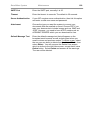
Default Message Text
Enter the default message text that will appear on the
broadcast email screens as well as being sent when you
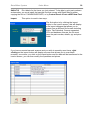
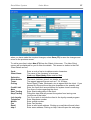
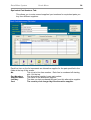
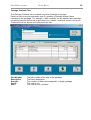
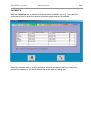
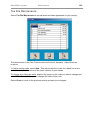
email invoices and purchase orders.To delete a user, select
the one you are about to delete from the Users File list, then
select Delete. You will now see the Delete User screen,
which is similar to the Add User screen, except that it has a
Delete button. Select Delete and answer all the warnings.
The user will be deleted.