1
Retail-Man System
Telephones
95
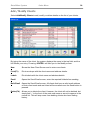
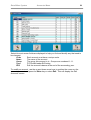
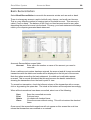
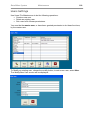
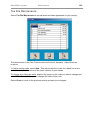
To restore a deleted entry, search at the end of the list for (example) ~John
Doe. Then use Modify (F6) to change the name back to John Doe.
Email
Broadcast
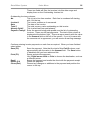
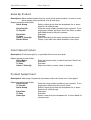
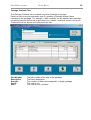
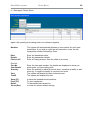
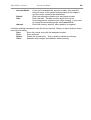
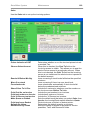
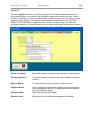
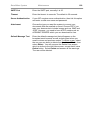
Choose this option to email the person in the directory entry
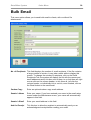
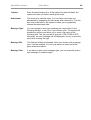
Choose this option to bulk email all the entries in the telephone directory.
(Refer to Clients Email Broadcast for instructions)
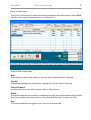
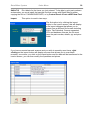
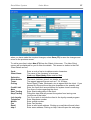
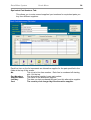
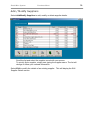
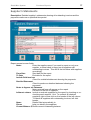
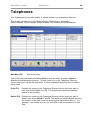
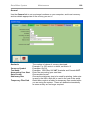
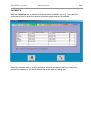
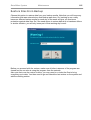
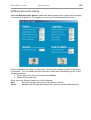
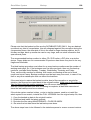
Modify (F6) Position the cursor on the Telephone Directory at the entry you wish to
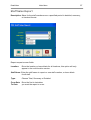
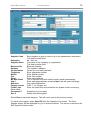
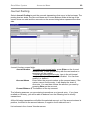
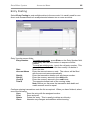
change, then select Modify or hit F6. This will display the Modify Directory
Entry screen (similar to the Add New Entry screen) with the details in the
appropriate fields. Change these at will, then select Save to save the
changes, or Cancel to abandon the changes without saving.
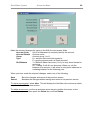
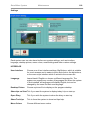
Please not that under the Group field, you can group your entries any way you wish, by
either text or number. This field will be used to filter out emails and printouts.
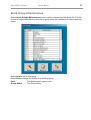
Close (Esc) Close the telephone directory and return to the main menu.