1
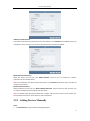
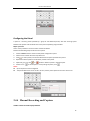
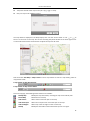
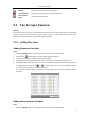
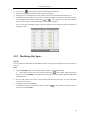
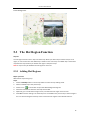
PC Client User Manual Configuring the Patrol A patrol is a scanning track specified by a group of user-defined presets, with the scanning speed between two presets and the dwell time at the preset separately programmable. Before you start: Two or more presets for one PTZ camera need to be added. Perform the following steps to add and call a patrol: 1. Click the Patrol button to enter the PTZ patrol configuration panel. 2. Select a track number from the drop-down list. 3. 4. Click to add a preset, and set the dwell time and patrol speed for the preset. Repeat the above operation to add other presets to the patrol. 5. Optionally, you can click 6. Click the icon Notes: or to edit or delete a preset in the patrol path. to call the patrol. To stop calling the patrol, click . Up to 16 patrols can be configured. The preset dwell time can be set to 1~30 sec, and the patrol speed can be set to level 1~40. 2.4.4 Manual Recording and Capture Toolbar in Each Live View Display Window: 20