1
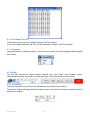
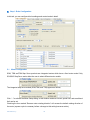
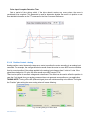
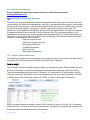
4.2.2. Communication Port
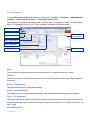
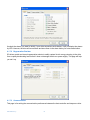
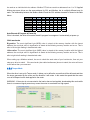
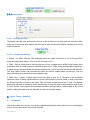
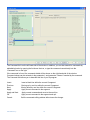
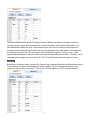
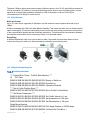
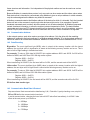
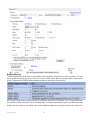
Choose the correspondent communication port for the drive before any drive configuration. For RS-485
drives, it allows you to choose the address of the drive to which you wish to connect.
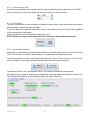
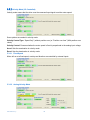
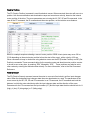
4.2.3. Servo Status
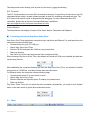
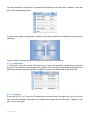
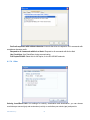
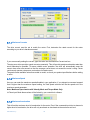
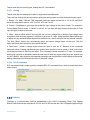
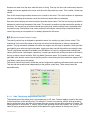
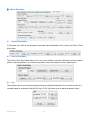
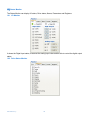
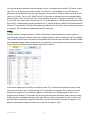
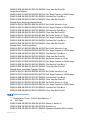
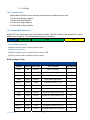
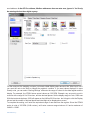
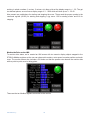
The servo enable switch is used to enable and disable the motor status. It also displays the current status:
when the button is green, the motor is enabled.
“Force EN” allows you enable the motor when a drive is connected to Step Servo Quick Tuner regardless
of the external enable input status.
Alarm reset allows you to reset the alarm, when they occurs.
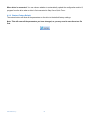
NOTE: Alarms can only be cleared when the drive’s warning or fault problems are solved.
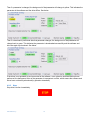
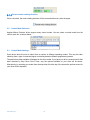
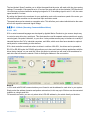
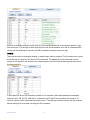
4.2.4. Upload and Download
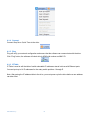
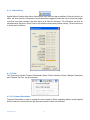
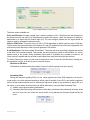
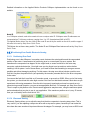
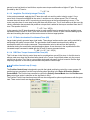
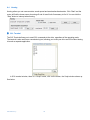
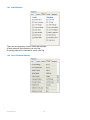
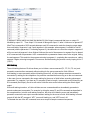
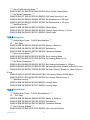
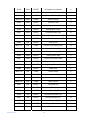
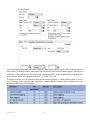
Upload lets you copy the set up and tuning parameters from your Step Servo motor into Step Servo Quick
Tuner. This is useful if you want to make changes to a system that has already been tuned.
The Download button is used to copy settings from Step Servo Quick Tuner to your drive. Use this if you
make a change to a drive setting and want to transfer the information back to the drive.
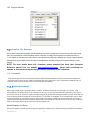
“Upload All from Drive” and “Download All to Drive” will upload or download the whole project.
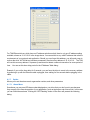
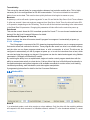
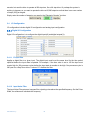
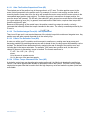
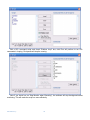
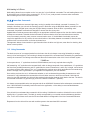
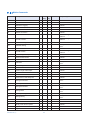
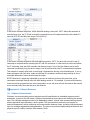
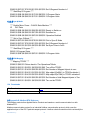
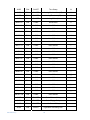
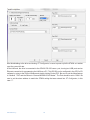
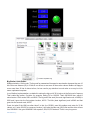
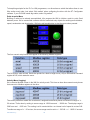
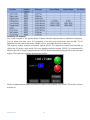
After performing an upload or download, the background of each parameter will change to a green color.
This indicates the parameter in the software and the drive match. See below.
920-0002 rev j1
20