1
Working with the Process Designer
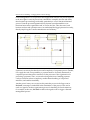
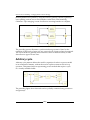
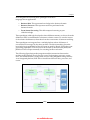
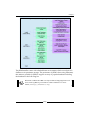
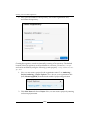
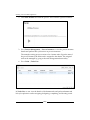
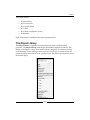
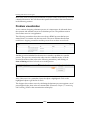
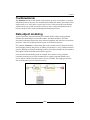
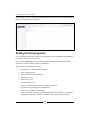
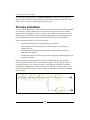
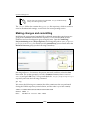
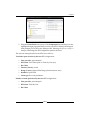
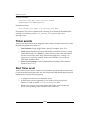
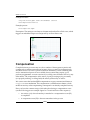
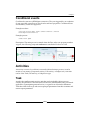
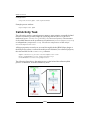
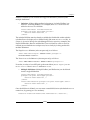
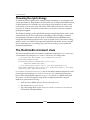
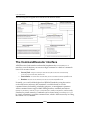
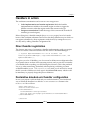
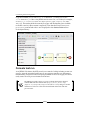
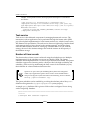
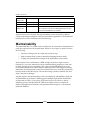
The following image shows the menu of interchangeable objects on a task element:
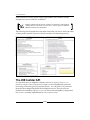
Properties editor
Apart from the visible parts of a business process diagram, each object in the
business process has properties that can be customized. For example, in a human
task, we have to assign an actor or a group. The Properties editor helps the designer
to set these details. The Properties editor panel for each object can be obtained by
selecting the object. For setting the process level properties, we have to click on the
canvas itself.
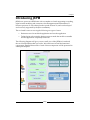
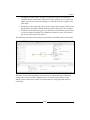
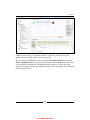
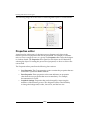
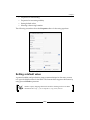
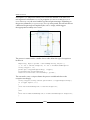
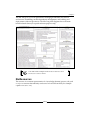
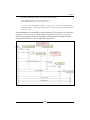
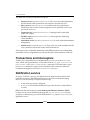
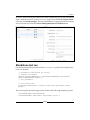
The Properties editor panel has the following four sections:
• Core Properties: The Core properties section contains the properties that are
essential for a particular BPMN element.
• Extra Properties: Extra properties as the name indicates are properties
other than the core properties that are non-mandatory. For example,
documentation for a task.
• Graphical Settings: Properties that can be changed for improving the
aesthetics of the business process. The designers will have the flexibility
to change the background, border, font colors, and the font size.
[ 56 ]