1
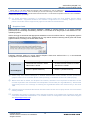
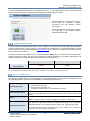
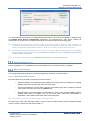
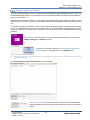
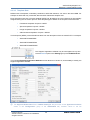
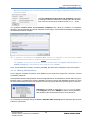
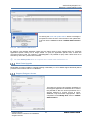
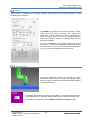
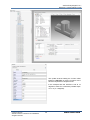
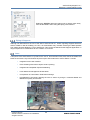
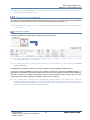
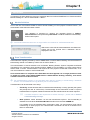
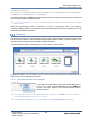
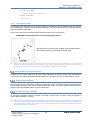
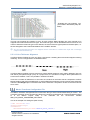
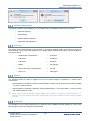
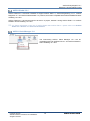
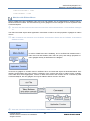
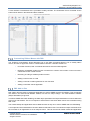
AVEVA Everything3D™ 2.1 Migration & Interoperability Guide TRANSFORMLIBRARIES ALL|OVERLAYS|BACKINGSHEETS|SYMBOLTEMPLATES|ISOTEMPLATES|SHEETTEMPLATES [THUMBNAILS|NOTHUMBNAILS] [NOPROMPT] The default command is THUMBNAILS as although it slows the conversion process there are not expected to be very large numbers of library elements. NOPROMPT is automatic in TTY mode; in graphical mode the default is to prompt the user to confirm transformation. When the transformation process is complete, a log file is created and stored in the directory %AVEVA_DESIGN_USER%. The file name is of the format DraftTransform-20141114-144807.log. The log file details the transformed elements. Thumbnails The thumbnail generation function allows an E3D Draw user to view thumbnails of the transformed sheets and library items created in AVEVA PDMS Draft and AVEVA Marine Drafting. Thumbnail creation is not required for sheets and library items created in AVEVA E3D Draw. Thumbnail previews display, for example, when a user wishes to open a sheet. Thumbnail generation can be made via a bulk up-front action through the Draw Administration User Interface or by using a designated command. 5.2.3.1 Draw Administration User Interface Thumbnails can be generated for Sheets and Library Elements via the Thumbnail button in the Transform group of the ADMIN tab in Draw. The action applies to the Current Element and the hierarchy below it. The Generation process is an administration task, access to the ADMIN tab is only available to users with administration rights or as a free user. The Thumbnail Generation result can be viewed in the Command Window where open. Copyright © 2015. AVEVA Solutions Limited and its subsidiaries. All rights reserved. 56 www.aveva.com