1
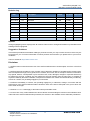
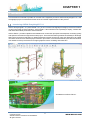
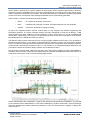
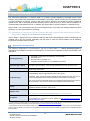
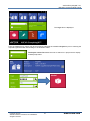
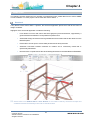
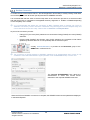
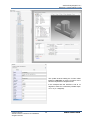
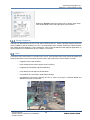
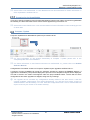
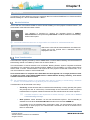
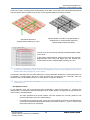
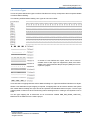
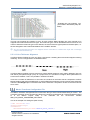
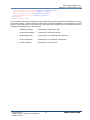
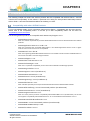
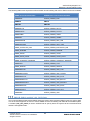
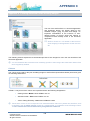
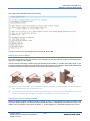
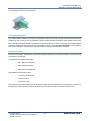
APPENDIX C Appendix C Forming Structural Joint & Fitting Images The use of the AVEVA E3D 2.1 structural application and workflows therein are greatly aided by the available images (.png) for joints and fittings. An important consideration is the inclusion of userdefined images of Project Joints and Fittings to complement those already found in the structural application. Refer to Section 4.1.4 for details on the inclusion of the Image(s) in the application via the resource file. The following sections explain the recommended process to form images for use in the user interface of the Structural application. It is recommended that customers add something specific to their images that make them distinct from those supplied by AVEVA. Colours The colours to be used for the joint and fitting images in AVEVA E3D (and AVEVA Bocad) have been given the following RGB values: In E3D 2.1 only three of the colours are required and have the following designations: Owning Profile: Master colour RGB 84.130.171 Attached Profile: Slave colour RGB 0.173.131 Joint or Fitting Geometry: New colour RGB 222.176.63 These three colours do not correspond to the standard AVEVA 255 colour palette and, therefore, must be defined in the file pdms-colours located in a standard E3D 2.1 installation at the following location: .C:\Users\Public\Documents\AVEVA\Everything3D\Data2.10\DFLTS Copyright © 2015. AVEVA Solutions Limited and its subsidiaries. All rights reserved. 109 www.aveva.com