1
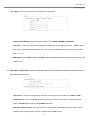
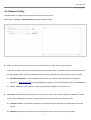
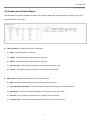
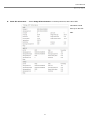
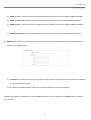
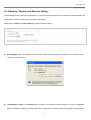
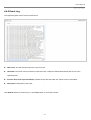
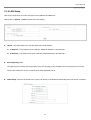
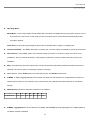
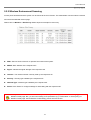
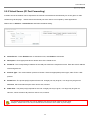
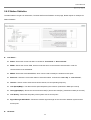
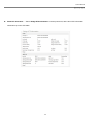
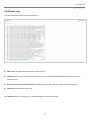
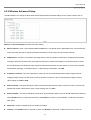
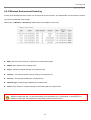
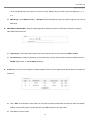
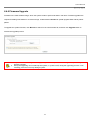
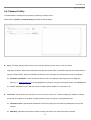
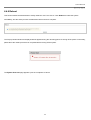
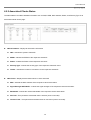
User Manual Air Force One 5 4.4.3 Extra Information The administrator can get current device usage statistics and status of the system components from drop-down list. Show Netstat Information : Select “NetStatus Information” on the drop-down list, the connection track list should show-up, the list can be updated using the Refresh button. NetStatus will show all connection track on the system, the information include Protocol , Live Time , Status , Source/Destination IP address and Port. Show Route Information : Select “Route Information” on the drop-down list, the route table should show-up, the list can be updated using the Refresh button. “Air Force One 5” examines the destination IP address of each data packet traveling through the system and chooses the appropriate interface to forward the packet to. The system choice depends on static routing rules – entries, which are registered in system routing table. Static routes to specific hosts, networks or default gateway are set up automatically according to the IP configuration of all the system's interfaces. 96