1
Driving of the simulator
1 Initializing and stopping the system
1. Bringing into service
After checking the simulator is properly plugged on the electrical network (115V or 230V
depending on the country), briefly press the remote control for the setting up of the
machine. Wait for the flyleaf to appear.
Note: in order to ensure a better picture quality, we advise you to wait for 15mn after
switching the machine on before starting a round.
2. Stopping the system
Shutdown the computer before stopping the system. The regular switching off of the
simulator is performed via the remote control.
2 The Game
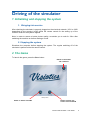
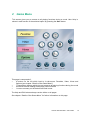
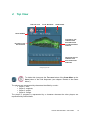
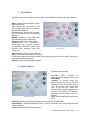
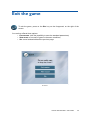
To launch the game, press the GOLF button.
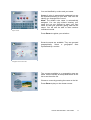
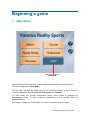
PRESS TO SHUTDOWN
THE COMPUTER
Startup screen
PRESS TO ENTER THE GAME
PRESS TO ENTER THE
CLUB-FITTING PROGRAM
Visiotics Golf Simulator—User Guide
9