1
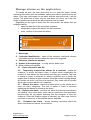
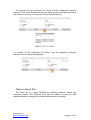
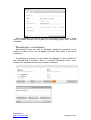
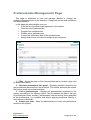
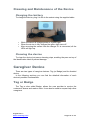
2 – Sensor List - Displays the list of sensors registered in the system
according to the selected filter criteria. The list presents the unique identifier of
each sensor, its type, state, battery condition, brand and to whom is it
assigned if anyone. It is sortable and allows applying additional filtering to
each column individually.
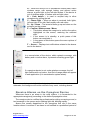
3 – Add sensor – Insert new devices in the system.
4 – Edit – Update device information.
5 – Delete – Remove devices from the system.
Add new sensors
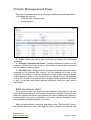
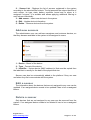
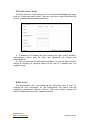
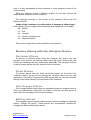
The administrator user can add new caregivers and customer devices, so
that they became available in the system to be assigned to users.
1 – Device – Brand of the device.
2 – Type – Format of the device.
3 – Identifier – Unique device (MAC address) id that must be copied from
the label that is usually on the back of the physical device.
Sensors can also be automatically added to the platform if they are new
and when they first communicate with the system.
Edit a sensor
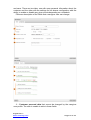
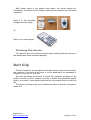
The information about the devices that are not assigned to any user can be
updated. If an assigned device needs to be updated it has to be un-assigned
before.
Delete a sensor
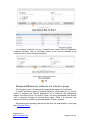
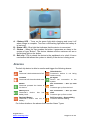
Only devices that are not assigned to any user can be removed from the
system. If an assigned device needs to be deleted it has to be un-assigned
before.
August 2013
www.oncaring.com
Page 27 of 38