1
Advisor User Manual
WAIVE A REQUIREMENT
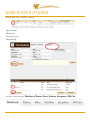
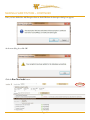
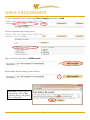
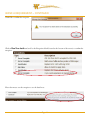
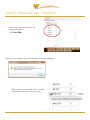
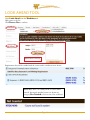
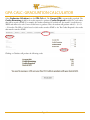
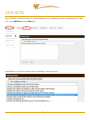
To waive a requirement, select exception type Force Complete, then click on Load.
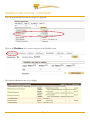
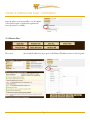
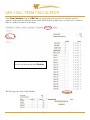
Select the requirement that is being waived.
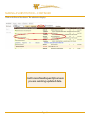
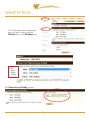
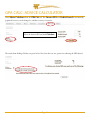
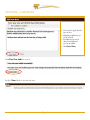
Enter a description, then click on Add Exception.
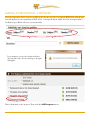
Provide further detail by clicking on the detail icon.
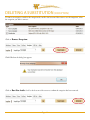
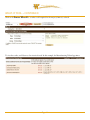
Please note: you have space for
220 characters. There is NO
spellcheck. Please verify spelling
before clicking OK.
Page: 15