1
SIBELMED W20s User’s Manual
101
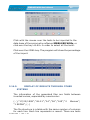
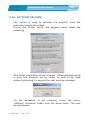
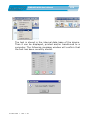
Enter the activation code that has been provided when
acquiring this software. From now on the Sibelmed W20s will
be unblocked to be used freely without any problems.
2.17. SOFTWARE PURCHASE
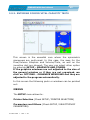
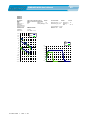
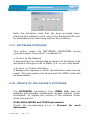
This option opens the SOFTWARE VALIDATION
(previous page), from which it is possible to:
screen
• A c c e s s to the Registry
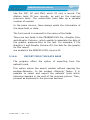
It allows filling the needed data to obtain the activation code
and send it through e-mail to SIBEL, S.A. or your local dealer.
• A c c e s s to Product Activation
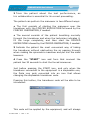
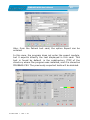
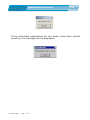
A dialogue box appears in which the activation code must be
typed. This will register the device and the DEMO mode will
be deactivated.
2.18. UPDATE OF THE DEVICE’S SOFTWARE
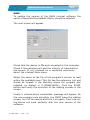
The DATOSPIR spirometers from SIBEL S.A. have an
updating and software maintenance process resident inside
themselves. To update the version of the software follow
these instructions:
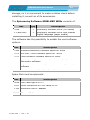
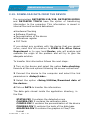
D120/D110, MICRO and TOUCH spirometers
Check the corresponding U s e r ’ s Manual for each
Spirometer.
511-BL0-MU2
•
REV. 1 .06