1
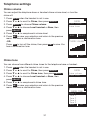
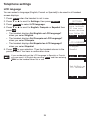
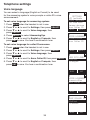
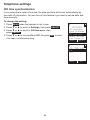
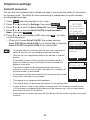
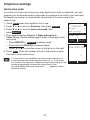
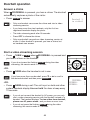
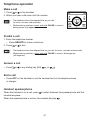
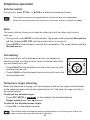
Telephone settings Voice language You can select a language (English or French) to be used for the answering system’s voice prompts or caller ID’s voice announcement. To set voice language for answering system: 1. Press MENU when the handset is not in use. 2. Press q or p to scroll to Settings, then press SELECT. 3. Press q or p to scroll to Voice language, then press SELECT. 4. Press SELECT to select AnsweringSys. 5. Press q or p to scroll to English or Français, then press SET to save. You hear a confirmation tone. To set voice language for caller ID announce: 1. Press MENU when the handset is not in use. 2. Press q or p to scroll to Settings, then press SELECT. 3. Press q or p to scroll to Voice language, then press SELECT. 4. Press q or p to scroll to Annc Caller ID, then press SELECT. 5. Press q or p to scroll to English or Français, then press SET to save. You hear a confirmation tone. SETTINGS LCD language CID time sync Voice language CID time sync Rename devices Annc Caller ID BACK SELECT VOICE LANGUAGE AnsweringSys Annc Caller ID BACK SELECT ANS SYS LANG. English Francais , BACK SET VOICE LANGUAGE AnsweringSys Annc Caller ID BACK SELECT ANNC CALLER ID English Francais , BACK 35 SET