1
Doorbell operation
Answer a chime
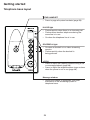
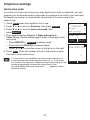
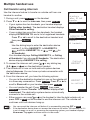
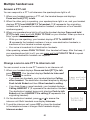
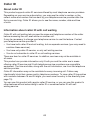
When /DOORBELL is pressed, you hear a chime. The doorbell
automatically captures a photo of the visitor.
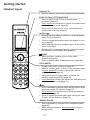
• Press SPEAK to answer.
Doorbell 1
• Only one handset can answer the chime and start a video
streaming session.
• If you have more than two handsets, only the first two
registered handsets display the photo.
is ringing
SPEAK
VIEW
• The video streaming ends after 30 seconds.
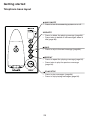
• Press OFF to silence the chime.
• Only one doorbell can perform video streaming session at
a time. If other doorbell is pressed, you hear a chime, but
no handsets can answer.
Start a video streaming session
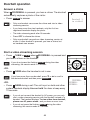
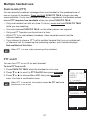
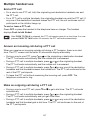
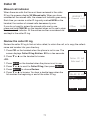
• Press /VIEW or VIEW when /DOORBELL is pressed and
you hear a chime on the handset.
• If you do not press the flashing SPEAK during the video
streaming, the session ends in 2 minutes.
-OR• Press
/VIEW when the handset is not in use.
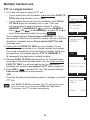
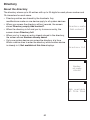
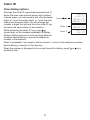
• If you have more than one doorbell, press q or p to scroll to
the desired doorbell and then press SELECT.
DOORBELL
-OR-
DOORBELL
1
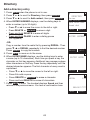
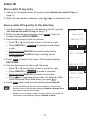
• Press /VIEW during a call. The call is put on hold and other
system handsets display Line on hold. You hear a beep every
10 seconds.
DOORBELL
2
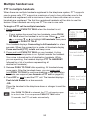
• If you do not connect the doorbell to AC power, you can only
start a video streaming session with the doorbell instead of a
handset. The handset displays To view video from doorbell,
please use AC power mode., and you hear an error tone.
• If you do not press the flashing SPEAK during the video
streaming, the session ends in 2 minutes.
44
BACK
SELECT