1
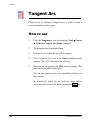
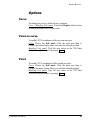
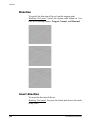
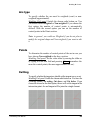
Modeling Curves 2 Point Tangent Circle Draws a circle tangent to an existing line by defining two perimeter points. How to use solidThinking User Manual 1. Click the 2 Point Tangent Circle icon or choose the Tools4 Curves4 Circle4 Circle: 2 points, tangent command. 2. The program console prompts Point #1. 3. Place the first perimeter point either by clicking and dragging within any view (release the mouse button to confirm placement) or by typing its XYZ coordinates in the console. Values must be separated by a comma, i.e. 1,2,3, and confirmed by pressing Enter . If you press Enter without typing any value, the point will be placed in correspondence with the XYZ origin. 4. Repeat step 3 at the Point #2 console prompt. 5. The program console prompts Tangent line. 6. Pick in the view the line to which the circle will be tangent. 317