1
BT Versatility
Broadband Module/Broadband Module Plus Manual
•
•
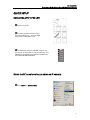
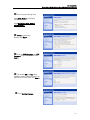
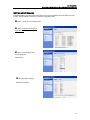
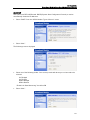
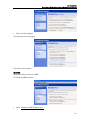
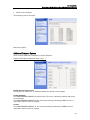
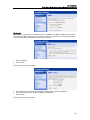
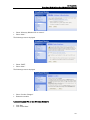
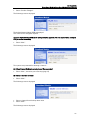
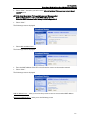
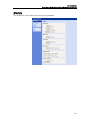
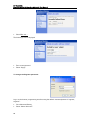
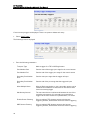
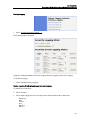
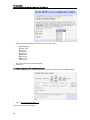
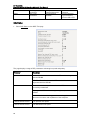
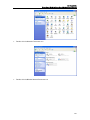
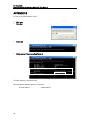
Enter the new IP address and Subnet Mask.
Select “Next”
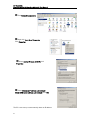
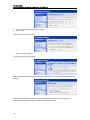
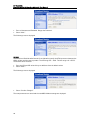
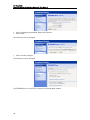
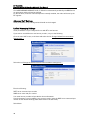
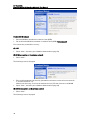
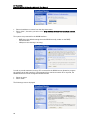
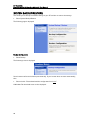
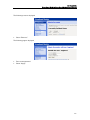
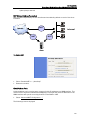
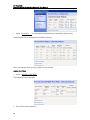
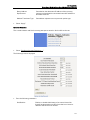
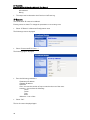
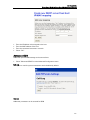
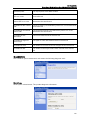
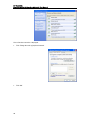
The following screen is displayed
•
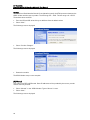
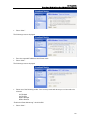
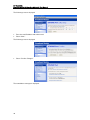
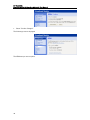
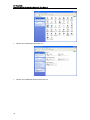
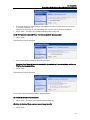
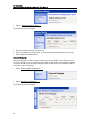
Select “Confirm Changes”
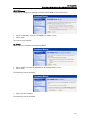
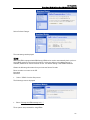
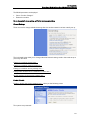
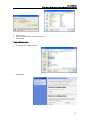
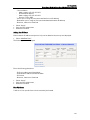
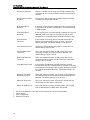
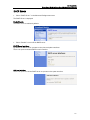
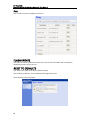
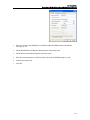
The following screen is displayed
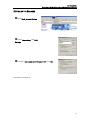
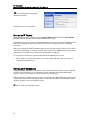
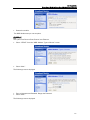
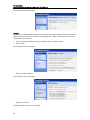
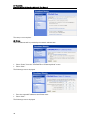
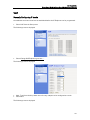
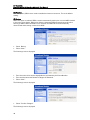
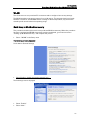
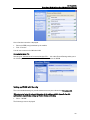
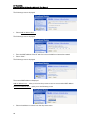
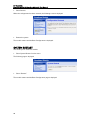
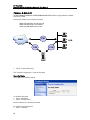
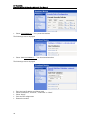
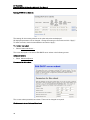
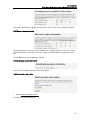
When the new parameters have been saved, the following screen is displayed showing the new
settings
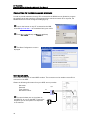
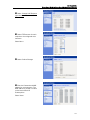
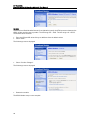
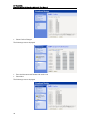
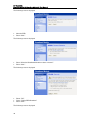
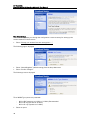
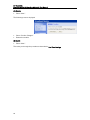
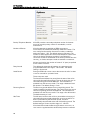
Note that the DHCP Server address range for LAN hosts will automatically change in the
Advanced Configuration settings to reflect the new address range.
18