1
RiskVal Financial Solutions, LLC
120 West 31st New York, NY 10001
(212) 631-0808 • www.riskval.com
Table of Contents
Spread & Butterfly USD Application Overview ......................................................................................... 3
What features does Spread & Butterfly USD have? .............................................................................. 3
What other features are available in the App? ..................................................................................... 4
What kinds of securities are supported in the App? ............................................................................. 4
GUI Layout Overview ............................................................................................................................... 5
Upper Half of GUI: Strategy Monitor.................................................................................................... 5
Lower Left of GUI: Strategy Solver and Intraday Graph ........................................................................ 6
Lower Right of GUI: Historical Graph (3 Month) ................................................................................... 6
How do I use the Spread & Butterfly App? ............................................................................................... 7
How do I enter a bond or strategy?...................................................................................................... 7
How do I enter an off-the-run bond or strategy using Bond Chooser? .................................................. 8
How do I use the Strategy Solver function?.............................................................................................. 9
Strategy Solver for Spread Trade ............................................................ Error! Bookmark not defined.
Strategy Solver for Butterfly Trade:...................................................................................................... 9
How do I set up an alert?....................................................................................................................... 10
Other Features ...................................................................................................................................... 11
How can I add Right Click functions?.................................................................................................. 11
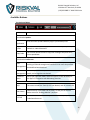
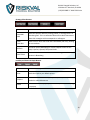
Available Buttons............................................................................................................................... 12
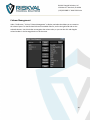
Column Manager ............................................................................................................................... 14
Send BBG Mail ................................................................................................................................... 15
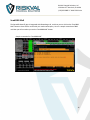
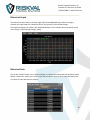
Historical Graph................................................................................................................................. 16
Historical Data ................................................................................................................................... 16
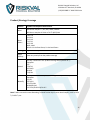
Product/Strategy Coverage................................................................................................................ 17
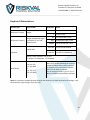
Keyboard Abbreviations .................................................................................................................... 18
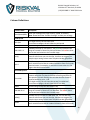
Column Definitions ................................................................................................................................ 19
2