1
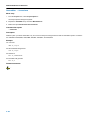
Tool Options − Librarian
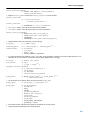
Librarian: −f
Command line syntax
−f file
Description
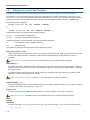
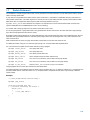
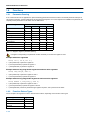
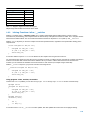
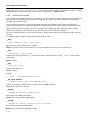
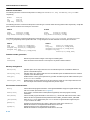
Instead of typing all options on the command line, you can create an option file which contains all options and flags you want to
specify. With this option you specify the option file to the librarian tlb.
Use an option file when the command line would exceed the limits of the operating system, or just to store options and save
typing.
Option files can also be generated on the fly, for example by the make utility. You can specify the option −f multiple times.
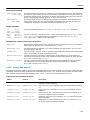
Format of an option file
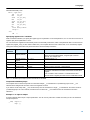
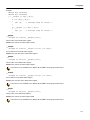
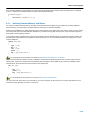
• Multiple arguments on one line in the option file are allowed.
• To include whitespace in an argument, surround the argument with single or double quotes.
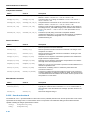
• If you want to use single quotes as part of the argument, surround the argument by double quotes and vise versa:
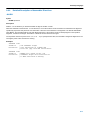
"This has a single quote ’ embedded"
’This has a double quote " embedded’
’This has a double quote " and a single quote ’"’ embedded"
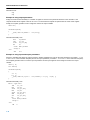
• When a text line reaches its length limit, use a ’to continue the line. Whitespace between quotes is preserved.
"This is a continuation \
line"
−> "This is a continuation line"
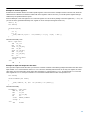
• It is possible to nest command line files up to 25 levels.
Example
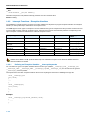
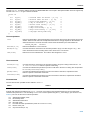
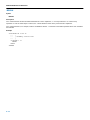
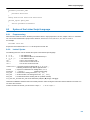
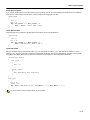
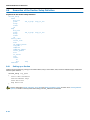
Suppose the file myoptions contains the following lines:
−x mylib.lib obj1.obj
−w5
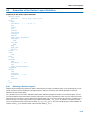
Specify the option file to the librarian:
tlb −f myoptions
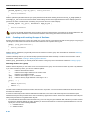
This is equivalent to the following command line:
tlb −x mylib.lib obj1.obj −w5
5−197