1
162
15.3
KG-UV123 V4 Programmer Help
Import - Step 2
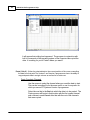
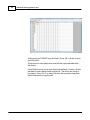
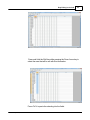
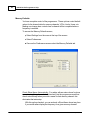
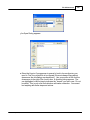
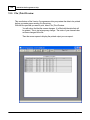
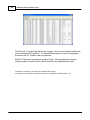
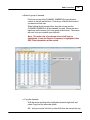
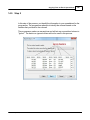
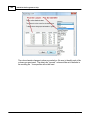
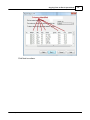
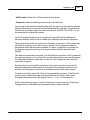
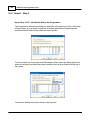
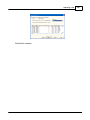
Import Step 2 of 4: Identify the delimiters (separators) used in your file.
The data in the file to be imported is separated by tabs, semicolons, commas, space
or other non-text characters. Select from the list at the top of the screen or enter the one
you used.
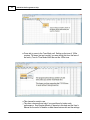
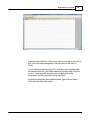
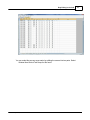
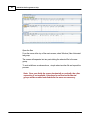
Once you select the correct delimiter, the data will properly separate into columns.
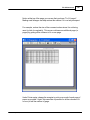
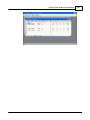
Examine the data to be sure that it is ready for the Programmer to process. Look at the
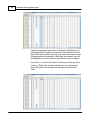
data in the window. Select the proper Text Qualifier if you have single or double quotes
within a data field. With quotes present, the import process will handle all the data
© 2013 RT Systems, Inc.