1
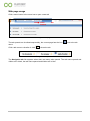
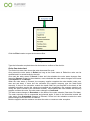
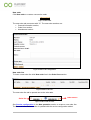
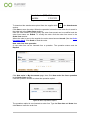
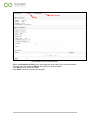
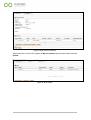
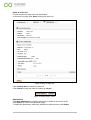
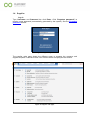
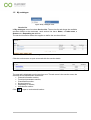
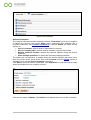
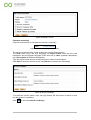
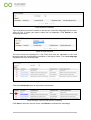
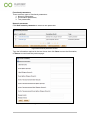
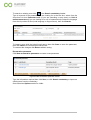
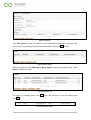
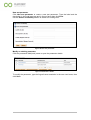
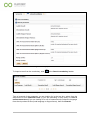
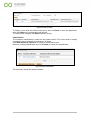
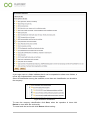
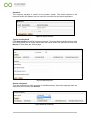
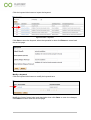
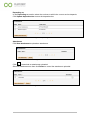
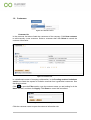
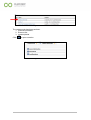
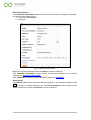
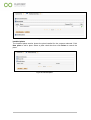
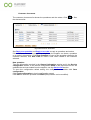
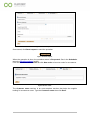
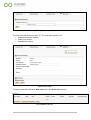
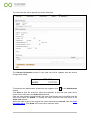
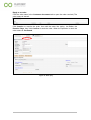
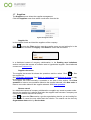
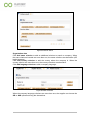
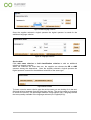
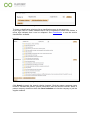
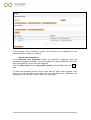
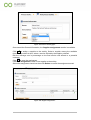
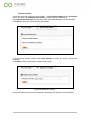
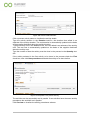
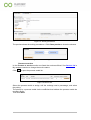
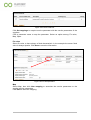
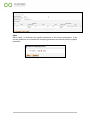
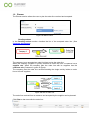
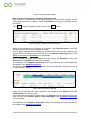
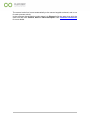
New order Click New order to create a new service order. Figure 23-New Oder The new order tab name start with “O”. The new order sections are: General information section; Order lines section; Attachments section. Figure 24-New order configuration. New order line To insert a new order line click New order line in the Order lines section. Figure 25-New order line. The new order line tab is opened next to the other tabs. Order line/01 Order line Figure 26-New order line tab. See Service configuration in the New quotation section to create a new order line. The General information section is updated with the service configuration edited. 21