1
CHAPTER 2: PAC CONTROL TUTORIAL
However, the Strategy Tree window is unique in that it must remain open, since closing it is
equivalent to closing the strategy.
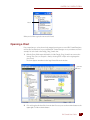
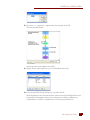
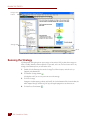
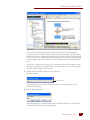
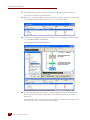
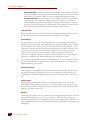
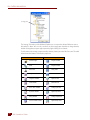
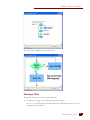
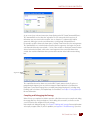
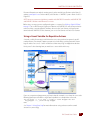
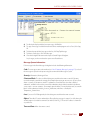
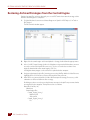
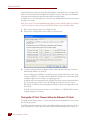
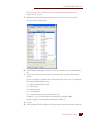
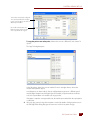
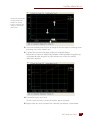
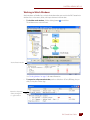
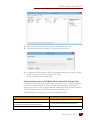
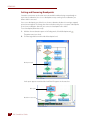
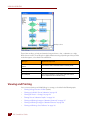
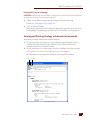
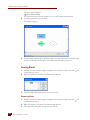
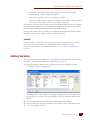
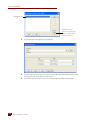
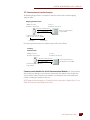
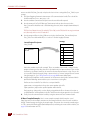
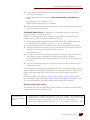
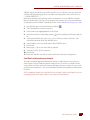
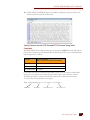
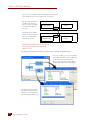
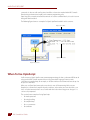
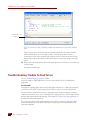
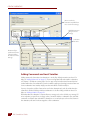
The Strategy Tree works like Windows Explorer: you can expand and collapse folders to show or hide
what is in them.
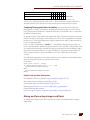
Expanded
Charts folder
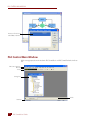
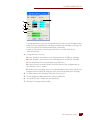
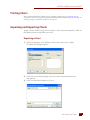
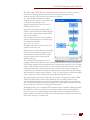
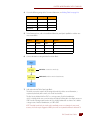
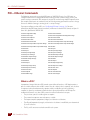
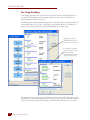
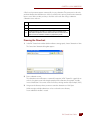
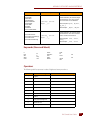
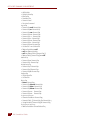
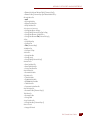
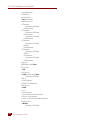
A quick look at the tree reveals that our strategy includes five flowcharts (in the Charts folder), eight
Numeric Variables, and one Mixed I/O Unit (with both analog and digital points). The Strategy Tree
not only shows you all components of the strategy but also provides shortcuts to many common
PAC Control activities, for example, opening flowcharts.
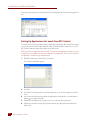
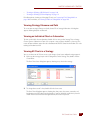
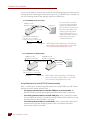
Docking the Strategy Tree
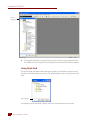
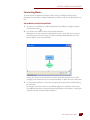
Since the Strategy Tree is so useful, you’ll probably want to keep it visible while you create and
debug your strategy. To keep the Strategy Tree window always visible, you can dock it in a separate
frame.
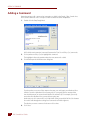
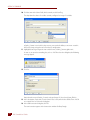
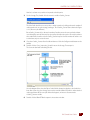
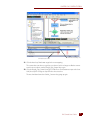
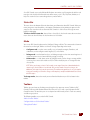
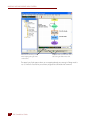
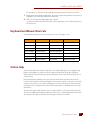
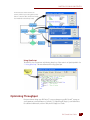
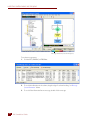
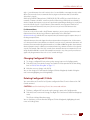
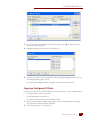
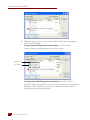
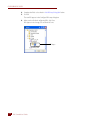
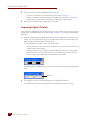
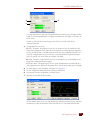
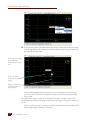
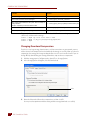
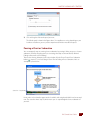
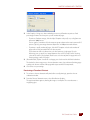
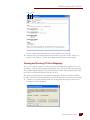
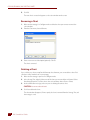
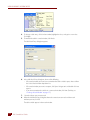
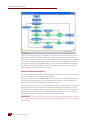
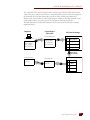
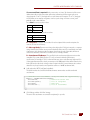
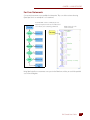
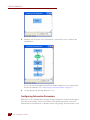
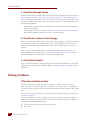
1. Click the docking icon in the upper-right corner of the Strategy Tree window.
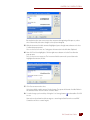
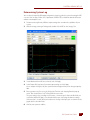
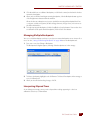
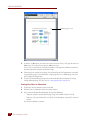
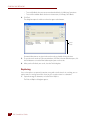
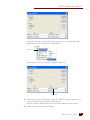
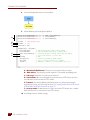
The Strategy Tree moves into its own frame at the left side of the main window.
PAC Control User’s Guide
11
11