1
IP Phone Expansion
Configuration
Hold
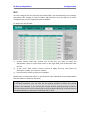
The key can be configured as a hold key. You can use this key to hold and retrieve a
call during the conversation.
To assign the key as Hold:
1)
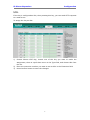
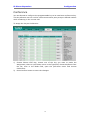
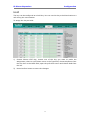
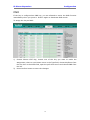
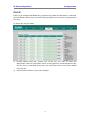
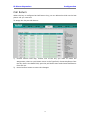
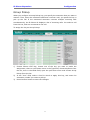
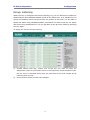
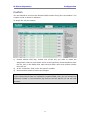
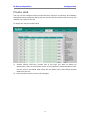
Choose Phone->EXT Key, choose one of the key you want to make the
assignment, there is a pull-down menu in the Type field, choose KeyEvent from
the list, then in the Mode field, open the pull-down menu and choose Hold from
the list.
2)
Press Confirm button to save the changes.
13