1
ARM Project Manager
Build step patterns
A build step pattern:
•
associates a tool or tools, such as armcc or armlink, with a build step within a
project template
•
defines the inputs and outputs associated with a build step
•
associates the file types conventionally used and generated by a tool with the
partitions used to organize the project
•
defines the command-line options to be used by the tools when the build step is
executed during the building of the project.
Stopping a build
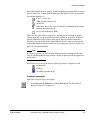
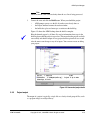
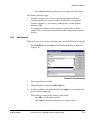
You can stop a build at the end of its current step by clicking the Stop build toolbar
button or by clicking the Stop Build variant button in the status area at the bottom of
the Project Window.
2.2.4
Correcting problems
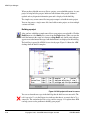
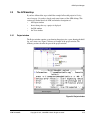
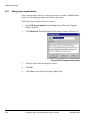
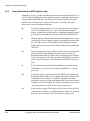
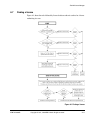
When you build your project, you may find errors and problems. As the build
progresses, messages are written to the build log (see Project window on page 2-15) that
appears in the lower pane of the Project window. These may be informational messages
or diagnostic messages from the tools that are invoked by the project template.
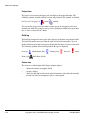
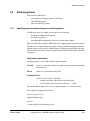
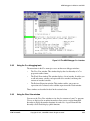
When the build is complete, you can double click on any error message that relates to
an editable source file (such as a compile error with a file line tag) and APM takes you
to the location where the error was detected. In the case of a compile error, this is the
line of code listed in the log. If a line relates to a sub-project, the project is loaded into
the Project Window. You can also locate errors by selecting Next Error and Previous
Error from the View menu.
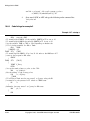
To find and correct the problem in the hello.c source file in your sample project, and
rebuild the project:
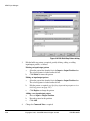
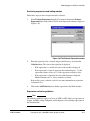
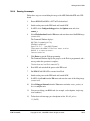
1.
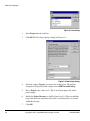
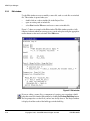
Double click on the serious error line, indicated by a solid red exclamation mark,
in the build log. The Edit window displays the appropriate source file, with the
line that was being processed when the error was detected highlighted.
2.
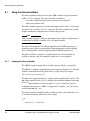
In this case, the error is due to the missing semicolon at the end of the previous
line:
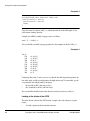
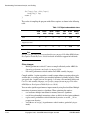
printf("Hello World\n")
should read
printf("Hello World\n");
2-12
Copyright © 1997, 1998 ARM Limited. All rights reserved.
ARM DUI 0040D