1
4
File Maintenance
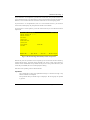
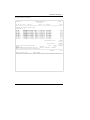
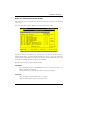
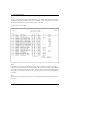
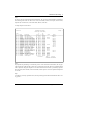
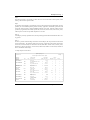
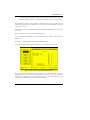
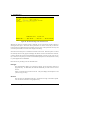
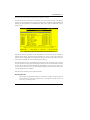
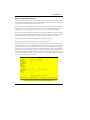
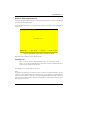
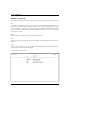
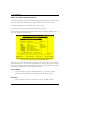
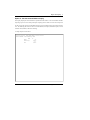
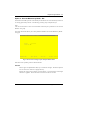
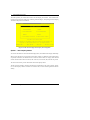
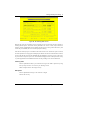
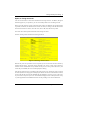
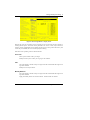
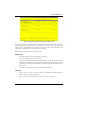
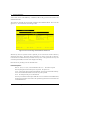
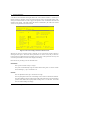
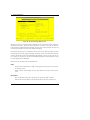
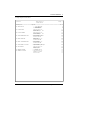
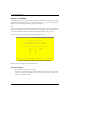
When the key value for a particular record is requested, you can review all the records in the file by
selecting the Scan option. The records will be presented on an “Access” screen, and you will be allowed to scan the available data until you find the record you want. Then, position the cursor by that
record and press ENTER; the record will be displayed for editing.
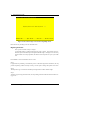
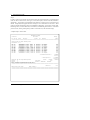
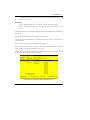
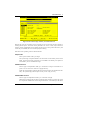
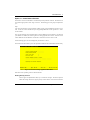
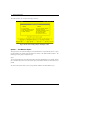
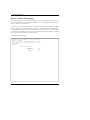
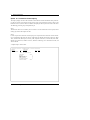
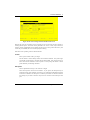
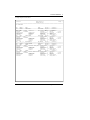
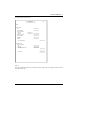
Note that the Audit Info option is available at the bottom of this screen. When this option is invoked,
the Audit Information overlay appears and displays the date the record was created and who created it,
as well as the date the record was last modified and who modified it. Press the END key or the RETURN
key to clear the overlay from your screen. The information displayed in the Audit Information overlay
is system-supplied and non-modifiable.
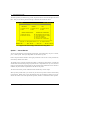
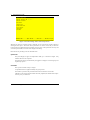
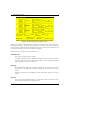
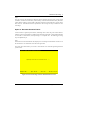
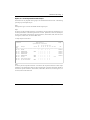
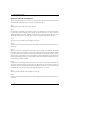
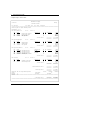
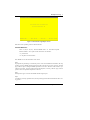
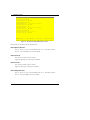
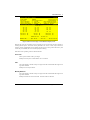
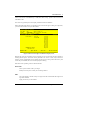
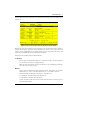
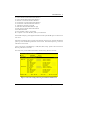
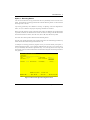
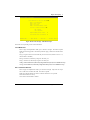
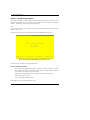
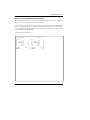
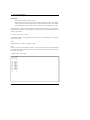
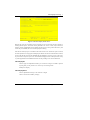
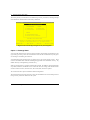
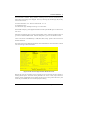
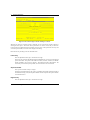
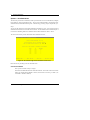
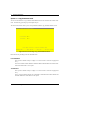
Data items for the preceding screen are described below:
Budget Type
Enter an alphanumeric field, up to 12 characters in length. You can use Scan to search for an
appropriate entry. In ADD mode, this field will automatically be saved from one record to
the next.
Identify the budget type. Select one from the Types file. The system displays the description
so that you can verify your entry.
Account
Enter an upper case alphanumeric field, up to 12 characters in length. This field is required.
You can use Scan to search for an appropriate entry.
Identify the account number of the general ledger account to which the budget type applies.
The system displays the description so that you can verify your entry.
Description
Enter an alphanumeric field, up to 30 characters in length.
Describe this budget and account combination.
Method
Enter an upper case alphanumeric field, 1 character in length. Only letters are acceptable.
Valid entries are M, W and E. The initial default value is ‘E’. In ADD mode, this field will
automatically be saved from one record to the next.
Identify the method of budgeting to be used. This determines how budgets are calculated
from the annual amount that is entered. Your options are:
M: Monthly (divide annual amount evenly over number of months, either 12 or 13)
W: Weekly (divide annual amount over weeks in a sequence of 4/4/5-week months)
100
General Ledger User Manual