1
EX-9162M51A SBC User Manual
3.
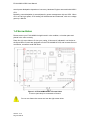
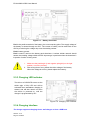
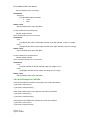
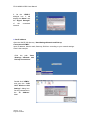
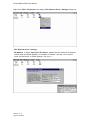
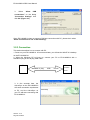
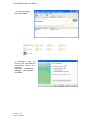
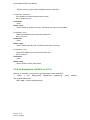
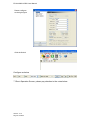
Select
“Allow
USB
connections” on the dialog
“Connection Settings” then
click OK (Figure 4-3)
Since EX-9162M51A does not support COM port connection with PC, please don’t select
“Allow connections to one of the following”
3.2.3 Connection
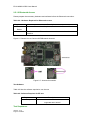
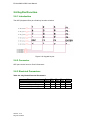
This section describes how to connect with PC.
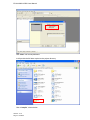
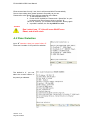
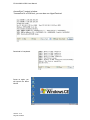
1. Power on your EX-9162M51A. A few seconds later, you will see the WinCE 6.0 desktop
on the EX-9162M51A.
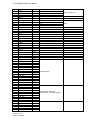
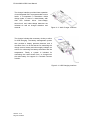
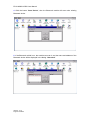
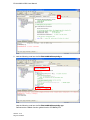
2. When the Windows CE 6.0 boot up, connect your PC to EX-9162M51A with a
standard-A plug & mini-B plug USB cable.
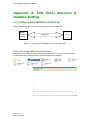
PC
M51
Standard-A plug
USB
mini-B
EX-9162
M51A
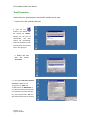
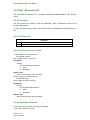
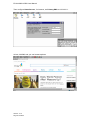
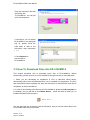
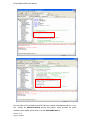
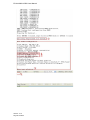
3. A few seconds later, the
ActiveSync on the EX-9162M51A
will send connection requirement
to PC, and the ActiveSync on
your PC will start connecting with
EX-9162M51A.
Version.: V1.0
Page 68 Total 95