1
Black plate (35,1)
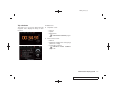
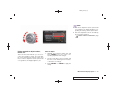
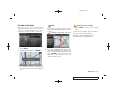
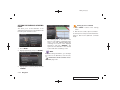
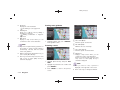
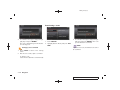
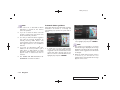
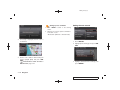
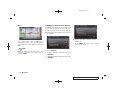
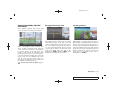
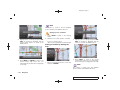
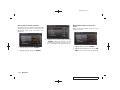
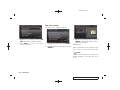
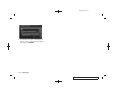
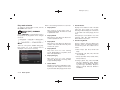
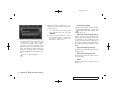
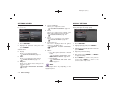
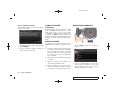
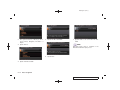
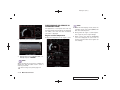
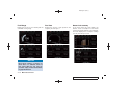
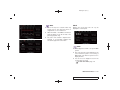
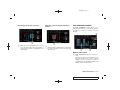
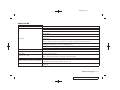
Birdview
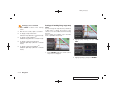
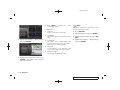
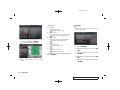
INFO:
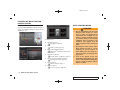
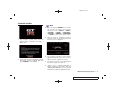
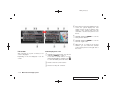
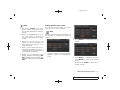
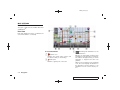
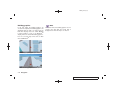
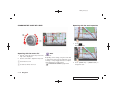
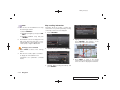
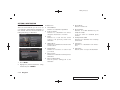
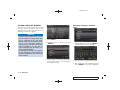
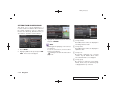
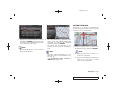
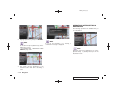
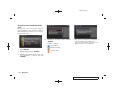
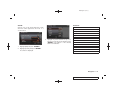
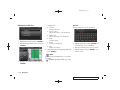
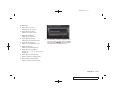
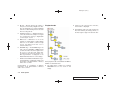
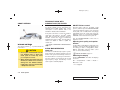
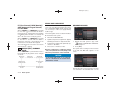
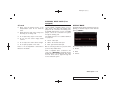
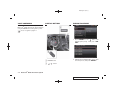
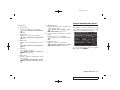
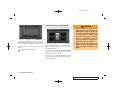
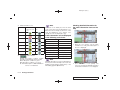
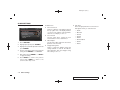
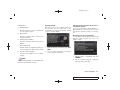
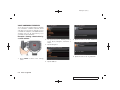
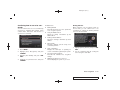
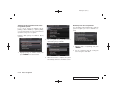
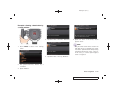
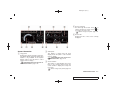
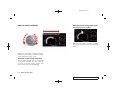
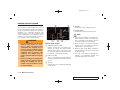
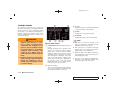
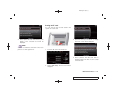
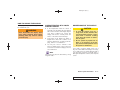
Screen information:
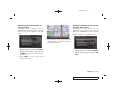
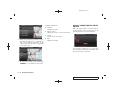
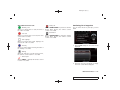
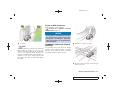
1 Cross pointer
&
2 Distance from the current location to the
&
cross pointer
3 Street name
&
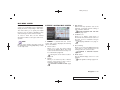
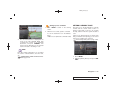
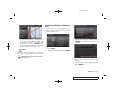
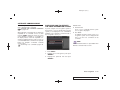
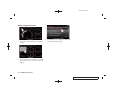
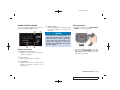
When the operation is performed during driving,
the scrolling is stopped after the screen scrolls
to the touched direction for a specified amount.
If the map scale is set to 180 ft (60 m) or less,
the map cannot be scrolled while driving.
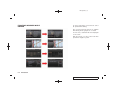
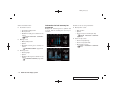
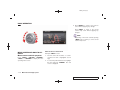
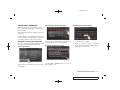
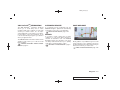
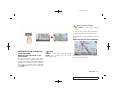
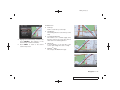
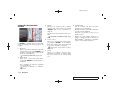
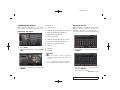
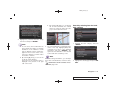
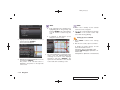
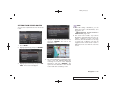
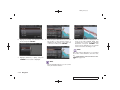
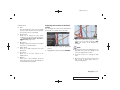
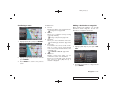
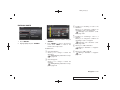
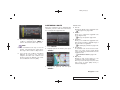
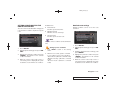
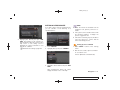
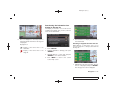
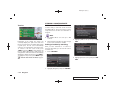
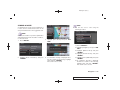
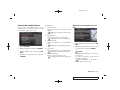
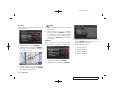
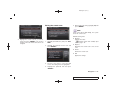
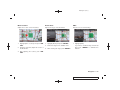
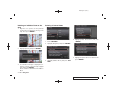
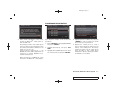
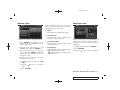
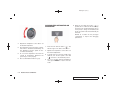
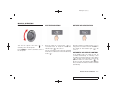
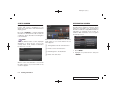
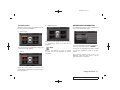
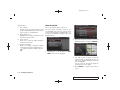
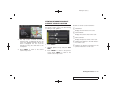
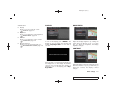
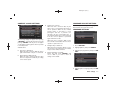
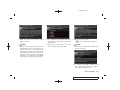
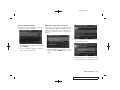
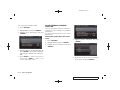
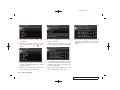
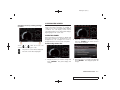
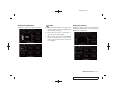
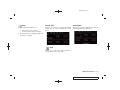
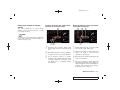
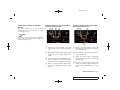
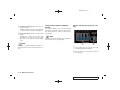
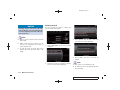
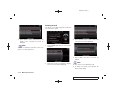
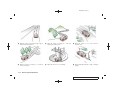
1. Touch the screen.
Displays the cross pointer and 8-directional
key.
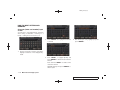
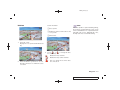
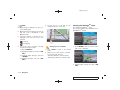
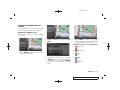
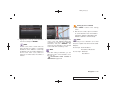
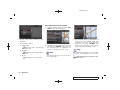
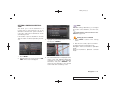
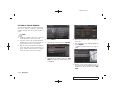
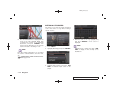
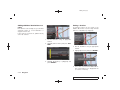
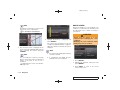
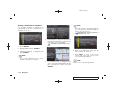
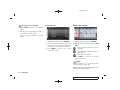
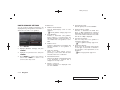
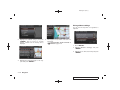
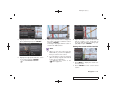
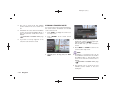
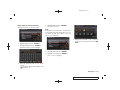
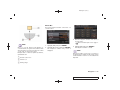
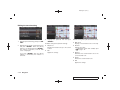
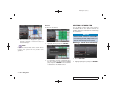
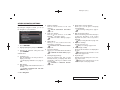
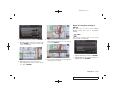
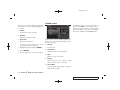
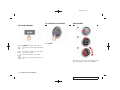
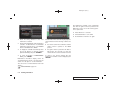
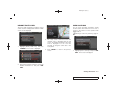
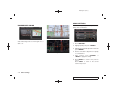
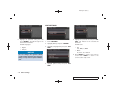
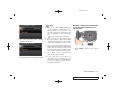
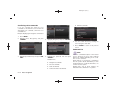
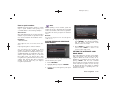
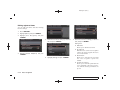
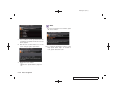
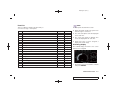
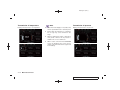
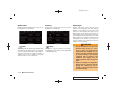
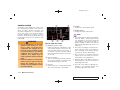
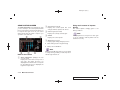
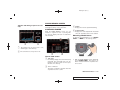
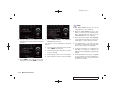
3. Touch [
] or [
tion of the map.
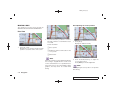
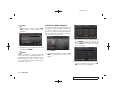
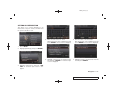
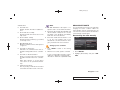
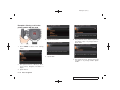
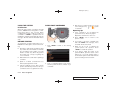
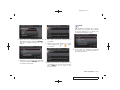
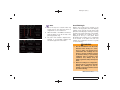
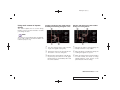
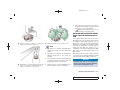
2. Touch the direction you desire to scroll to.
The map continues to scroll while the screen
is touched.
] to change the direc-
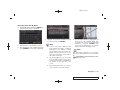
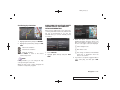
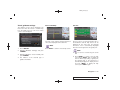
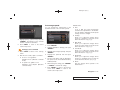
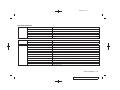
:
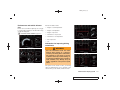
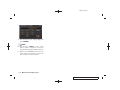
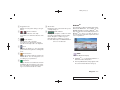
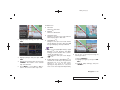
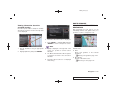
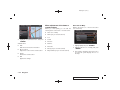
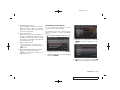
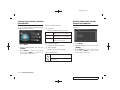
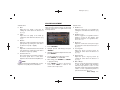
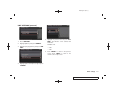
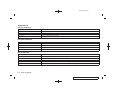
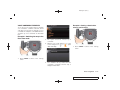
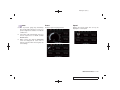
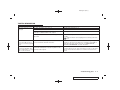
Rotates the map clockwise.
:
Rotates the map counterclockwise.
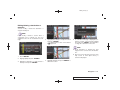
:
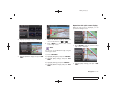
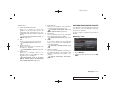
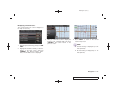
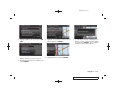
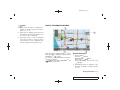
The cross pointer moves in the direction of the arrow.
Navigation 2-9
Model "R35-N" EDITED: 2008/ 4/ 18