1
Black plate (163,1)
PHONEBOOK REGISTRATION
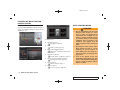
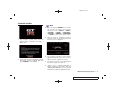
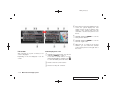
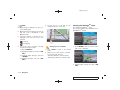
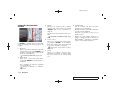
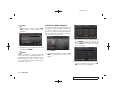
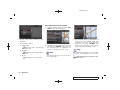
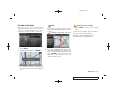
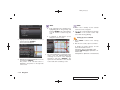
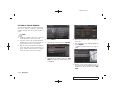
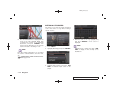
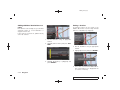
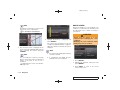
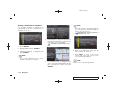
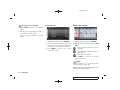
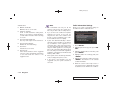
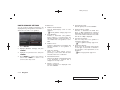
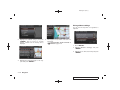
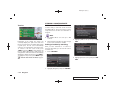
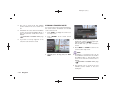
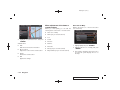
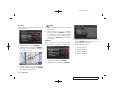
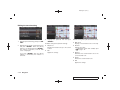
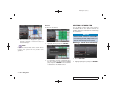
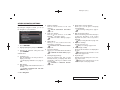
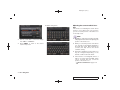
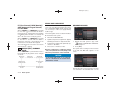
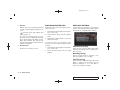
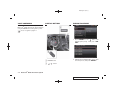
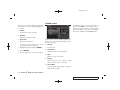
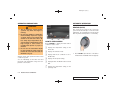
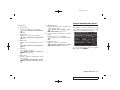
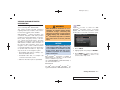
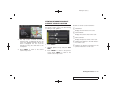
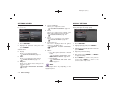
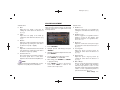
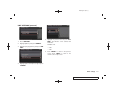
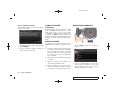
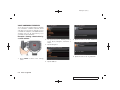
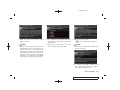
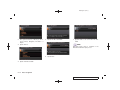
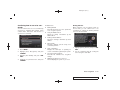
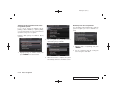
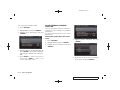
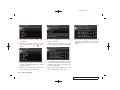
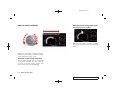
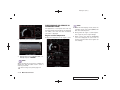
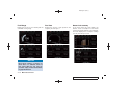
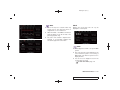
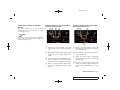
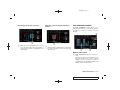
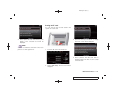
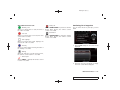
3. When a PIN code appears on the screen,
operate the Bluetooth® cellular phone to
enter the PIN code.
The pairing procedure of the cellular phone
varies according to each cellular phone. See
the cellular phone Owner’s Manual for the
details. You can also visit
www.nissanusa.com/bluetooth or call
NISSAN Consumer Affairs Department for
instructions on pairing NISSAN recommended cellular phones.
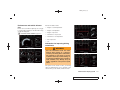
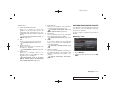
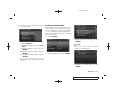
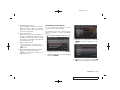
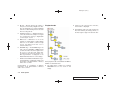
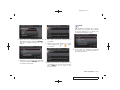
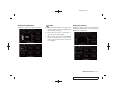
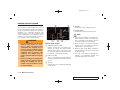
Up to 40 phone numbers can be stored in the
phonebook.
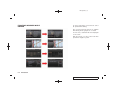
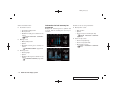
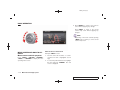
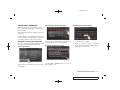
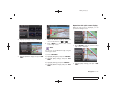
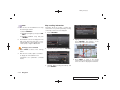
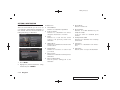
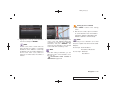
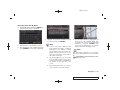
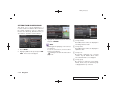
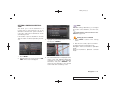
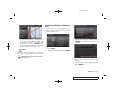
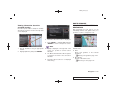
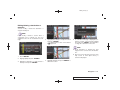
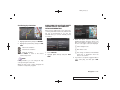
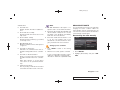
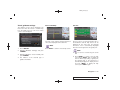
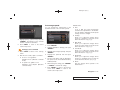
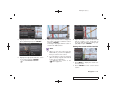
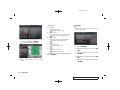
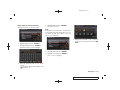
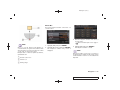
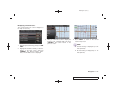
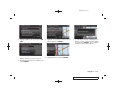
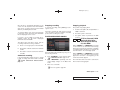
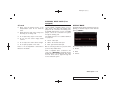
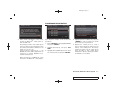
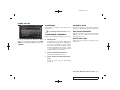
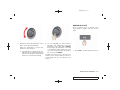
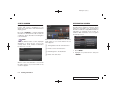
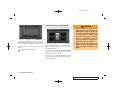
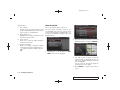
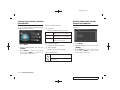
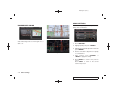
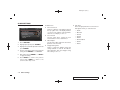
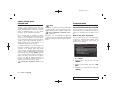
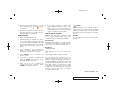
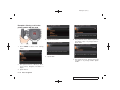
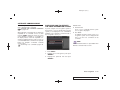
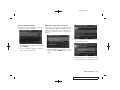
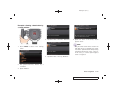
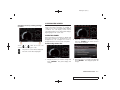
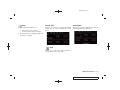
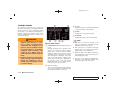
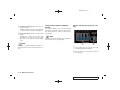
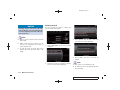
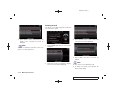
1. Push <SETTING>, and highlight [PHONE].
Then push <ENTER>.
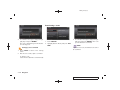
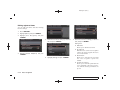
2. Highlight [Phonebook], and push <ENTER>.
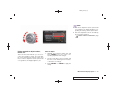
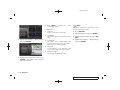
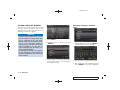
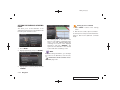
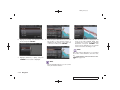
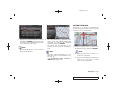
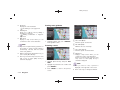
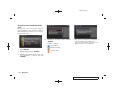
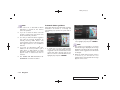
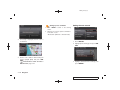
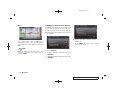
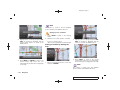
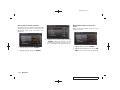
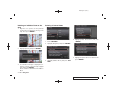
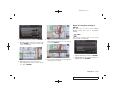
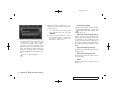
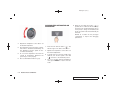
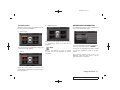
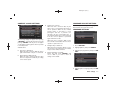
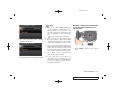
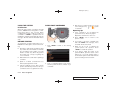
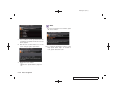
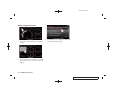
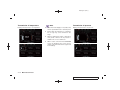
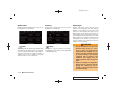
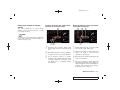
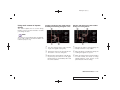
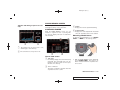
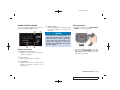
3. Highlight [None (Add New)] from the name
list of the phonebook, and push <ENTER>.
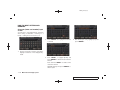
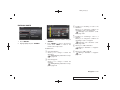
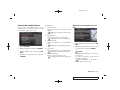
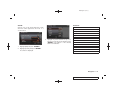
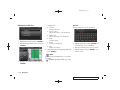
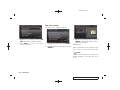
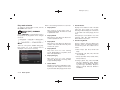
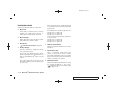
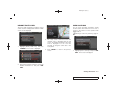
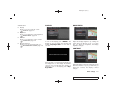
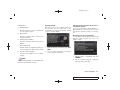
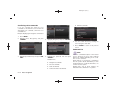
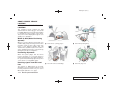
4. Highlight [Transfer via Bluetooth], and push
<ENTER> in order to register your cellular
phone memory in the phonebook.
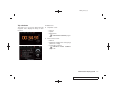
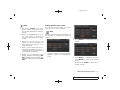
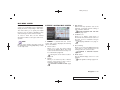
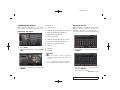
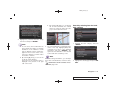
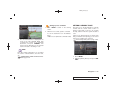
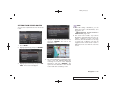
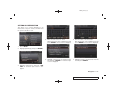
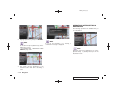
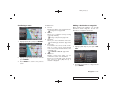
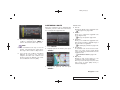
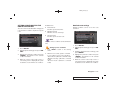
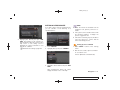
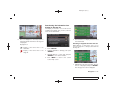
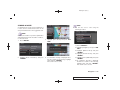
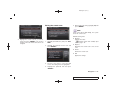
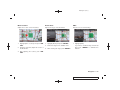
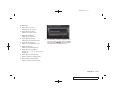
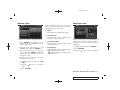
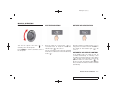
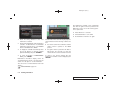
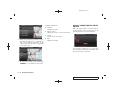
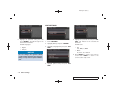
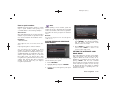
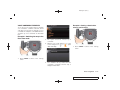
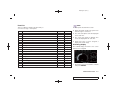
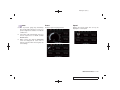
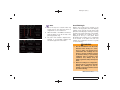
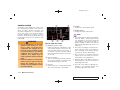
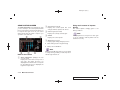
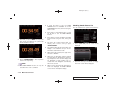
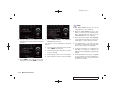
5. Operate the cellular phone to send a
person’s name and phone number from the
memory of the cellular phone. The memory
sending procedure from the cellular phone
varies according to each cellular phone
manufacturer. See the cellular phone Owner’s Manual for more details.
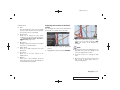
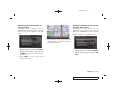
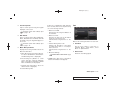
When the pairing is completed, the screen
will return to the Bluetooth® setup display.
Bluetooth® Hands-Free Phone System 4-5
Model "R35-N" EDITED: 2008/ 4/ 18