1
Black plate (248,1)
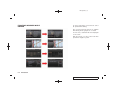
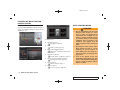
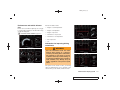
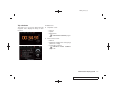
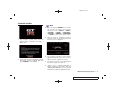
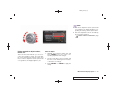
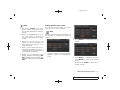
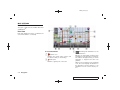
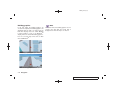
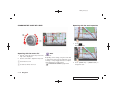
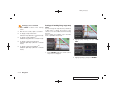
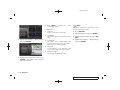
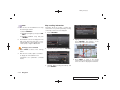
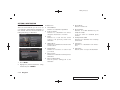
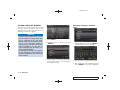
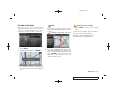
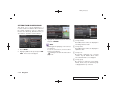
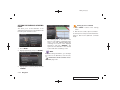
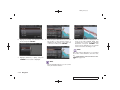
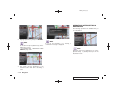
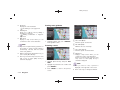
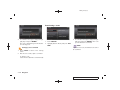
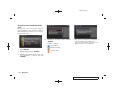
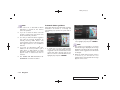
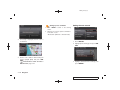
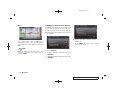
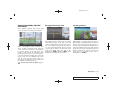
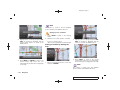
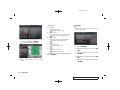
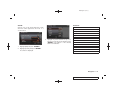
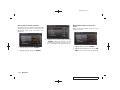
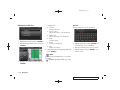
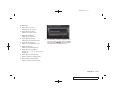
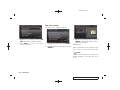
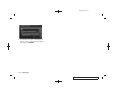
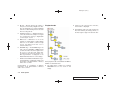
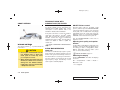
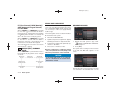
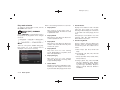
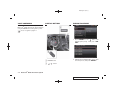
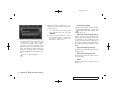
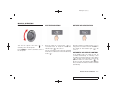
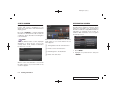
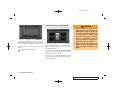
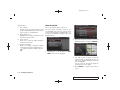
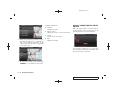
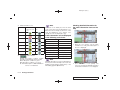
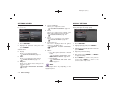
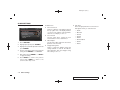
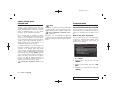
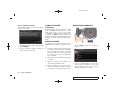
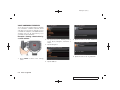
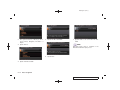
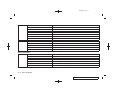
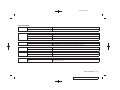
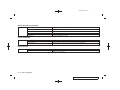
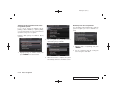
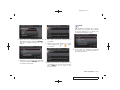
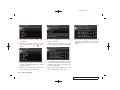
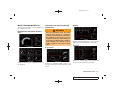
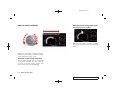
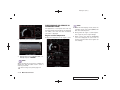
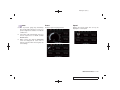
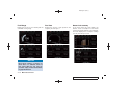
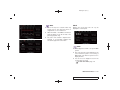
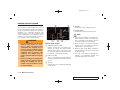
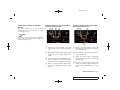
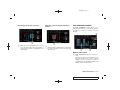
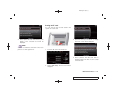
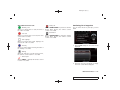
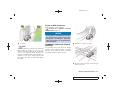
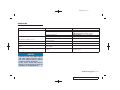
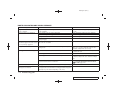
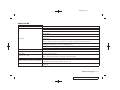
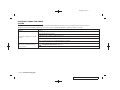
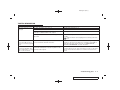
Brake pedal
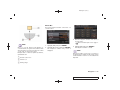
Steering
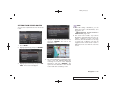
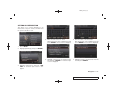
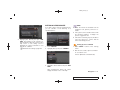
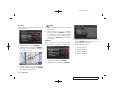
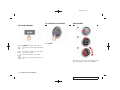
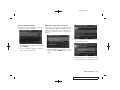
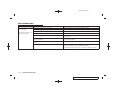
Cornering G
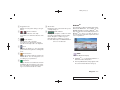
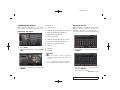
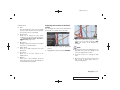
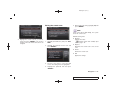
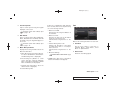
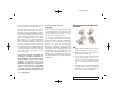
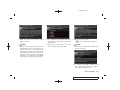
Displays the brake pedal position. This can only
be displayed as a small panel.
Displays the steering angle. This can only be
displayed as a small panel.
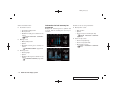
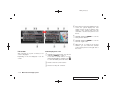
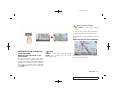
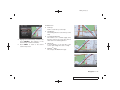
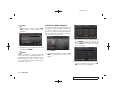
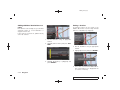
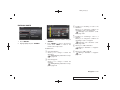
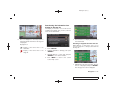
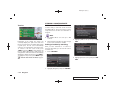
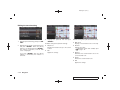
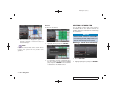
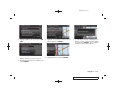
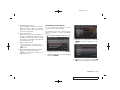
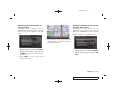
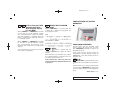
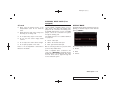
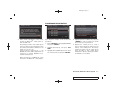
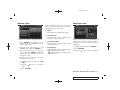
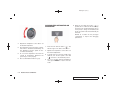
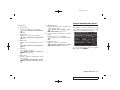
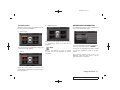
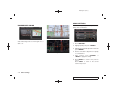
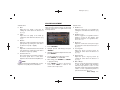
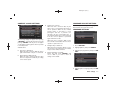
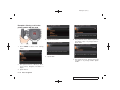
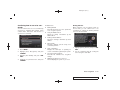
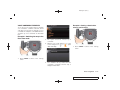
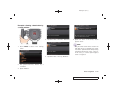
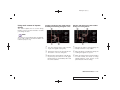
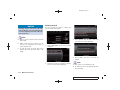
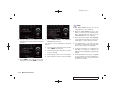
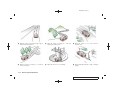
Displays the lateral g-force exerted on the
vehicle. In the large panel, this meter displays
readings for the past 20 seconds. In the small
panel, this meter displays the lateral g-force
being exerted on the vehicle at the time of the
reading. When turning to the left, the resulting gforce is displayed on the right side of the screen.
When turning to the right, the resulting g-force
is displayed on the left side of the screen. The
red zone readings are configured to function as
a guide for smooth driving.
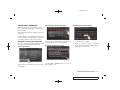
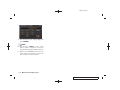
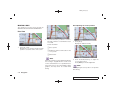
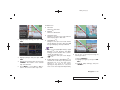
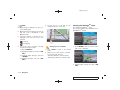
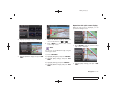
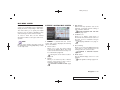
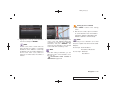
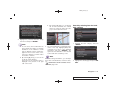
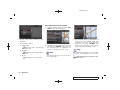
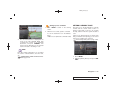
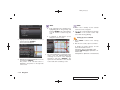
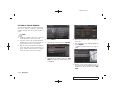
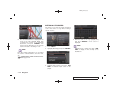
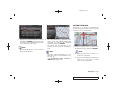
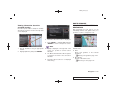
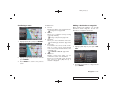
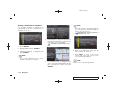
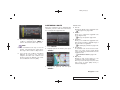
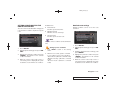
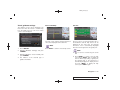
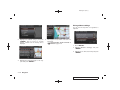
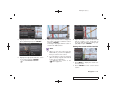
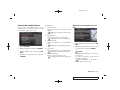
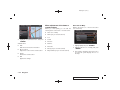
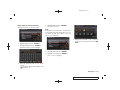
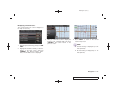
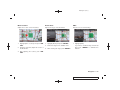
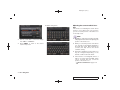
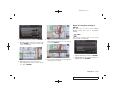
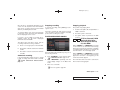
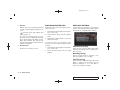
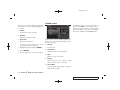
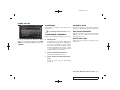
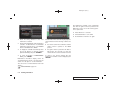
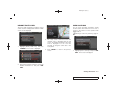
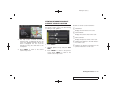
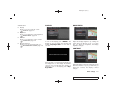
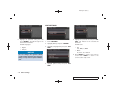
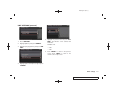
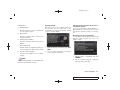
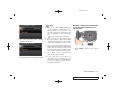
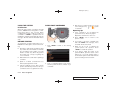
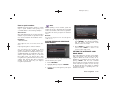
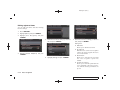
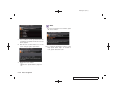
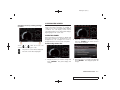
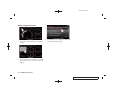
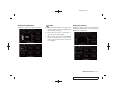
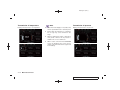
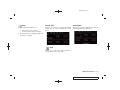
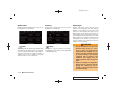
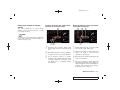
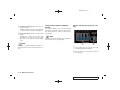
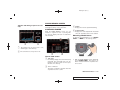
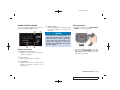
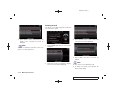
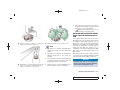
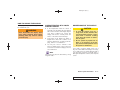
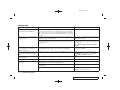
Small panel screen
Small panel screen
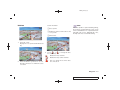
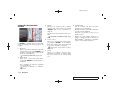
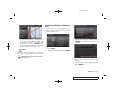
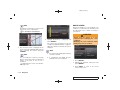
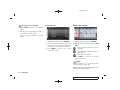
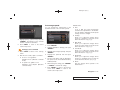
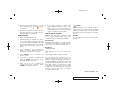
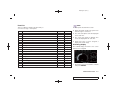
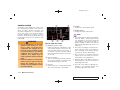
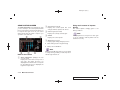
INFO:
The reading that the brake meter displays when
the pedal is being depressed may vary, depending on the vehicle speed and road conditions.
The brake meter may not display a reading of
“100%” even when the brake is being fully
depressed. This is not a malfunction.
INFO:
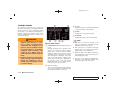
WARNING
.
Use the information from the multi
function meter strictly as a reference to make your driving more
comfortable. The readings are not
meant to prevent accidents caused
by reckless driving or poor driving
conditions (due to weather, road
condition, etc.). Always obey all
traffic regulations and posted speed
limits.
.
Red zone readings are configured to
function only as a guide for smooth
driving. The readings are not intended to prevent accidents caused
by reckless driving.
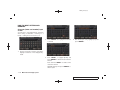
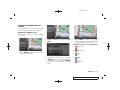
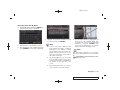
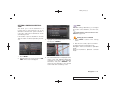
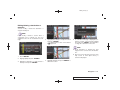
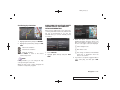
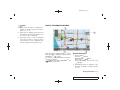
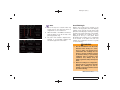
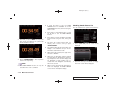
The amount of g-force exerted on the vehicle,
and displayed on the meter, will vary depending
on the driving speed.
9-16 Multi function meter
Model "R35-N" EDITED: 2008/ 4/ 18