1
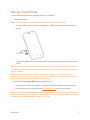
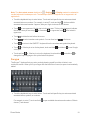
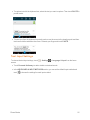
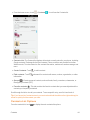
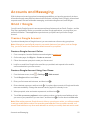
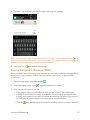
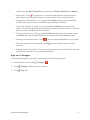
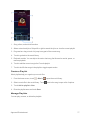
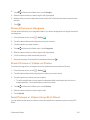
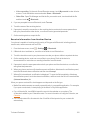
 l Documents: Select File Manager to attach a file; select Gallery or Photos to attach an existing photo or video; select Sound Recorder to record an audio clip and attach it; select Select music track to attach a music file.
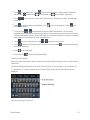
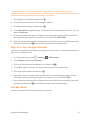
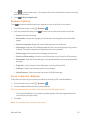
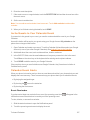
6. Touch to send the message immediately, or touch > Save draft to save it as a draft.
Note: To open a draft email, in the email account inbox, touch > Drafts.
View and Reply to Email
Reading and replying to email on your phone is as simple as on your computer.
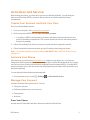
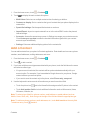
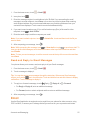
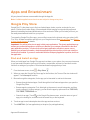
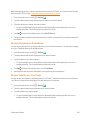
1. From the home screen, touch > Email .
2. On the email account inbox, touch the message you want to view.
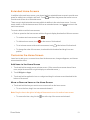
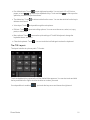
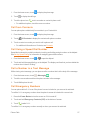
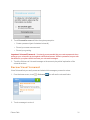
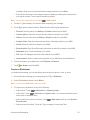
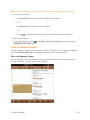
Tip: You can also access new messages through the status bar. When a new email arrives, you'll see the icon in the status bar. Slide the status bar down to display notifications. Touch a message to display it. Tip: Touch the account name at the top of the screen to switch to a different email account.
3. Touch (Reply) or (Reply all) to reply to the message.
Manage Your Email Inbox
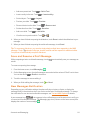
Your email inbox provides management options for viewing, sorting, and deleting your email messages.
View Your Email Inbox
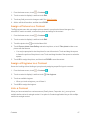
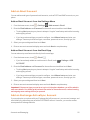
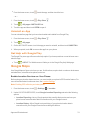
1. From the home screen, touch > Email .
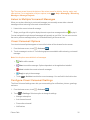
2. Touch the email account at the top of the screen to select a different inbox, or touch Combined
view to see all your email inboxes at once.
Refresh an Email Account
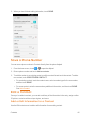
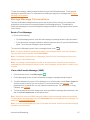
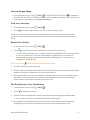
Whatever your automatic synchronization settings are, you can also synchronize your sent and received email messages manually at any time.
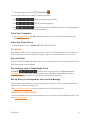
n While viewing the account you want to synchronize, touch Accounts and Messaging
.
58