1
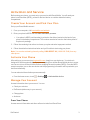
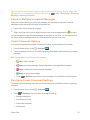
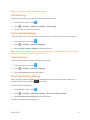
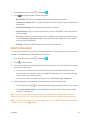
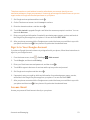
 1. From the home screen, touch > Settings > Language & input.
2. Check or uncheck Spell checker to enable or disable this feature. You can touch spell checker options.
to set the Personal Dictionary
Your phone lets you add words to a personal phone dictionary to improve word suggestion and spell check when entering text.
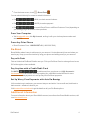
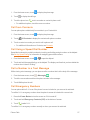
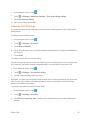
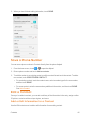
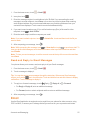
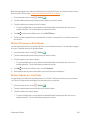
1. From the home screen, touch > Settings > Language & input > Personal dictionary.
2. If prompted, select the language the new word is in.
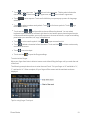
3. Touch at the top right of the screen to enter a word or phrase, as well as a shortcut to easily use that word or phrase.
4. Touch to save it.
Keyboard & Input Methods
The Keyboard & input methods menus let you configure your phone's text input settings.
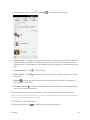
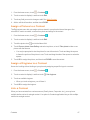
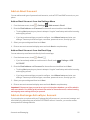
n From the home screen, touch > Settings and input methods options menu.
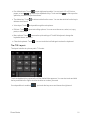
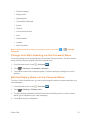
> Language & input and touch a keyboard l Touch Default and select an available option to set the default input method.
l Check or uncheck an input method to enable or disable it for use. The pre-installed input methods may not be disabled. See Touchscreen Keyboards. You can also download and install other input methods.
l Touch beside each input method to configure its settings.
Voice Search
The Voice Search menus let you configure Google Voice Search settings.
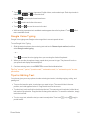
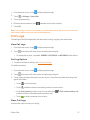
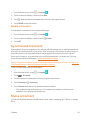
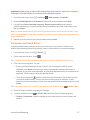
n From the home screen, touch touch an option to configure it.
> Settings > Language & input > Voice Search and l Language: Select the language you use when entering text or searching by speaking.
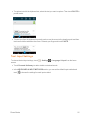
l Speech output: To turn on speech output only when you've got a headset attached to your phone, select Hands-free only.
l "Ok Google" Detection: Set the condition under which you can say "OK Google" to initiate a voice search or voice action. l Offline speech recognition: Select one or more additional language packages so you can use speech recognition when you do not have a network connection.
Settings
134