1
Experian AS
Customer Centre 815 55 454
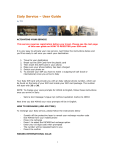
Welcome to the CreditOnline user guide
The user guide will show you the programs you can access through CreditOnline. It explains how
to start using the programs and the kind of information contained in our database.
Login
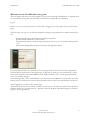
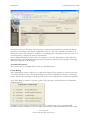
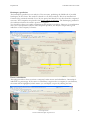
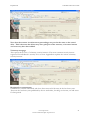
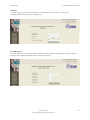
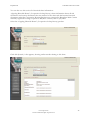
Before you can access the system you must click “Logg på” up in the right corner of our home
page
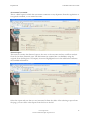
The first time you log in, you will be prompted to change your password you make it personal to
you.
-
The password must contain between 6 and 10 characters.
It must include numbers as well as letters
The password cannot contain foreign characters such as æ, ø, å or special characters like * etc.
The system distinguishes between lowercase and uppercase letters.
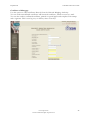
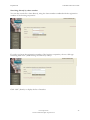
If you are informed that you entered an incorrect password or that you have been suspended,
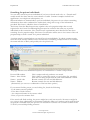
click the link at the bottom of the login page: “Click here to receive a new password by e-mail”.
Enter your username and e-mail address in the fields and click “OK”. A new password will be
sent to your inbox quickly.
Error messages like “This e-mail address is not the same as the address in our records” are quite
serious, and you will need to contact the Customer Centre on 815, who will be able to help you.
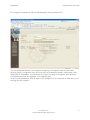
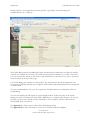
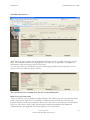
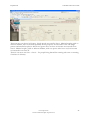
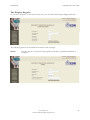
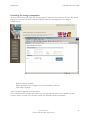
After logging in, you will see the search page.
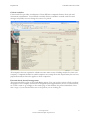
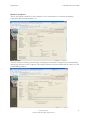
The menu on the left shows which solutions you can access. To select an option from the menu,
click the button you are interested in – Business, Person, Property, Movable Property, National
register or Foreign reports.
www.experian.no
e-mail: [email protected]
4