1
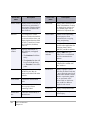
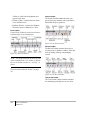
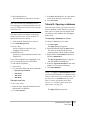
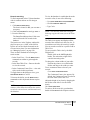
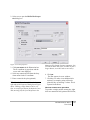
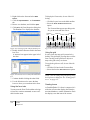
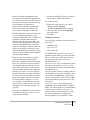
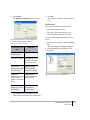
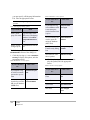
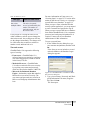
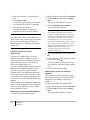
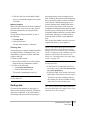
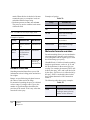
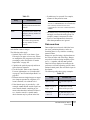
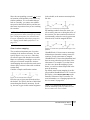
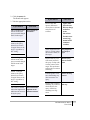
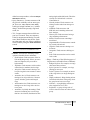
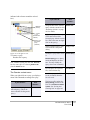
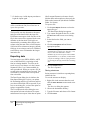
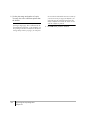
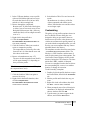
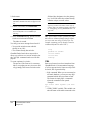
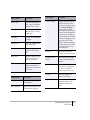
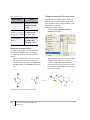
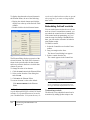
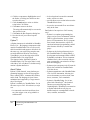
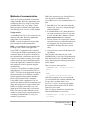
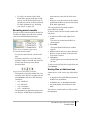
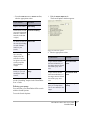
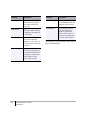
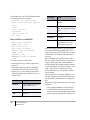
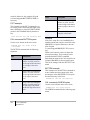
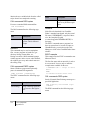
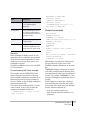
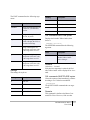
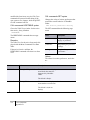
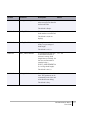
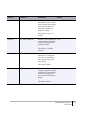
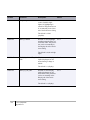
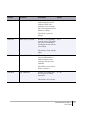
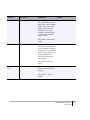
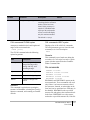
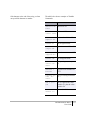
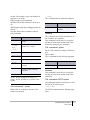
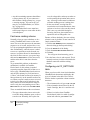
if you want to...
then click...
rewrite the MST record,
thus correcting the
problem.
is unspecified or
has stereo
Continue the scan from
the next structure.
Skip to Next Structure
stop the scan.
Stop Scanning
This leaves you on the last
record that exhibited a
problem
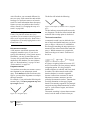
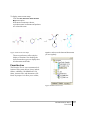
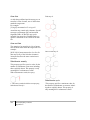
“flash” the problematic
atom or bond.
Flash
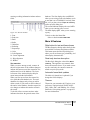
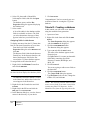
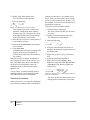
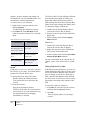
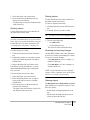
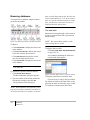
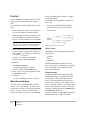
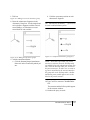
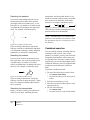
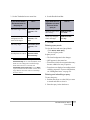
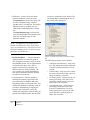
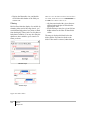
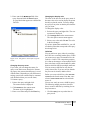
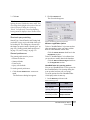
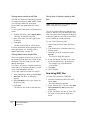
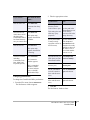
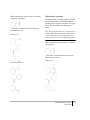
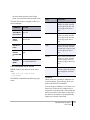
To activate the Queries tree control:
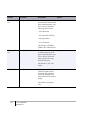
View details about a
warning message.
Help
Fix the error automatically.
Auto-Fix
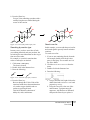
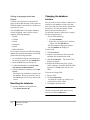
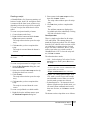
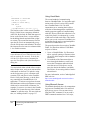
Managing queries
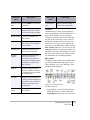
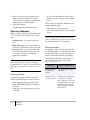
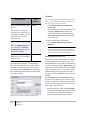
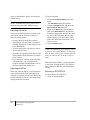
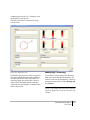
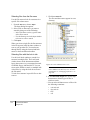
The Queries Tree Control in the Explorer window maintains a list of search queries from the
Queries
Chapter 21
CAUTION
Depending on your preference settings,
unnamed queries may be automatically discarded. See “Saving and restoring lists” on
page 382 for details.
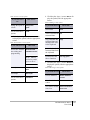
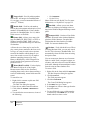
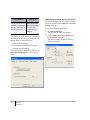
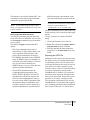
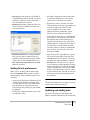
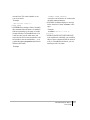
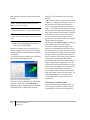
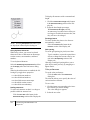
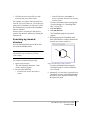
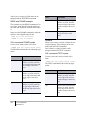
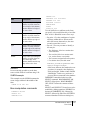
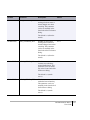
This button only appears
when the error revolves
around an atom or bond.
Clicking the button
creates a circle that moves
toward the atom/bond,
drawing the eye to it.
380
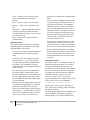
current and previous sessions. Queries are
associated with forms, and the query list is
saved when you save the form. When you open
or activate an existing form, the tree updates to
show only the queries for that form.
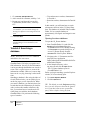
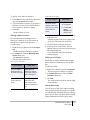
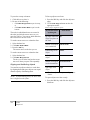
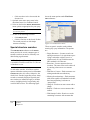
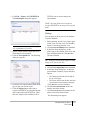
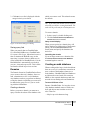
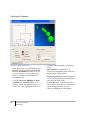
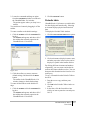
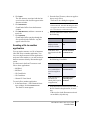
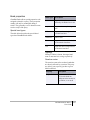
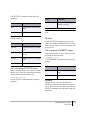
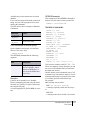
Each time you carry out a search or list operation, a new query is generated in the tree. A
name is assigned to the query, and it is displayed in the tree along with the size of the list
(number of hits) and a brief description. The
generated name is “Q<n>*”, where n is a
sequential number, and * indicates that the
query has not been named or marked for saving.
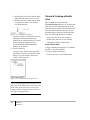
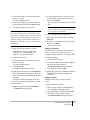
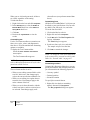
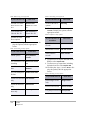
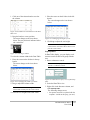
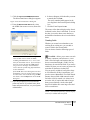
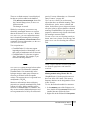
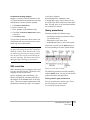
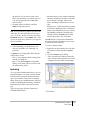
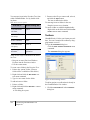
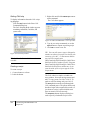
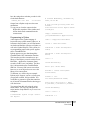
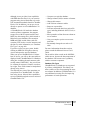
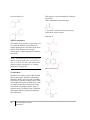
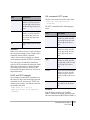
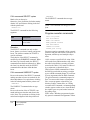
1. Click the View>Explorer Window menu
option.
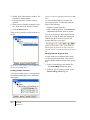
2. Click the Queries tab on the Explorer window to display the Queries tree.
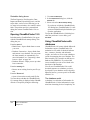
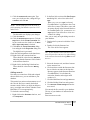
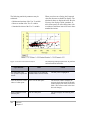
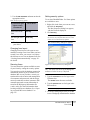
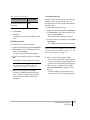
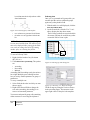
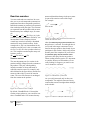
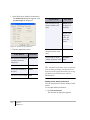
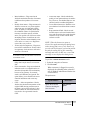
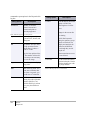
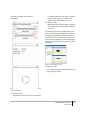
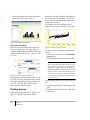
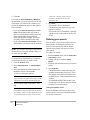
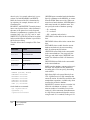
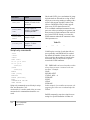
Queries are listed as “children” of the database
(displayed as Full List). When you select
Search Over Current List from the Search menu
before performing a query, it is displayed as a
“child” of the previous list. (The current list is