1
hypercyclic user guide
Page 17 of 28
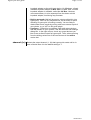
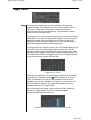
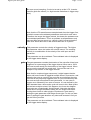
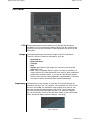
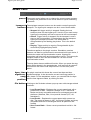
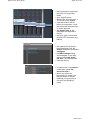
• Save Preset... Saves current preset to disk in .fxp format. Tip:
you can use the save/load preset functions as a copy/paste
function, by first saving a preset to disk, then changing current
preset no. and reloading the preset into the new preset slot.
• Rename Preset... Change name of current preset
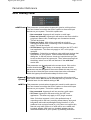
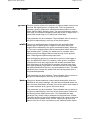
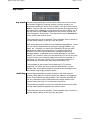
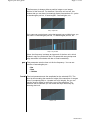
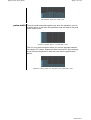
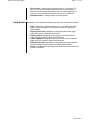
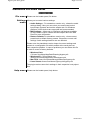
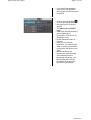
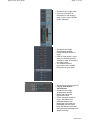
help button Clicking on the help button shows a pop-up menu with help functions:
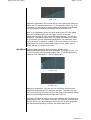
• Help... Opens the central help panel. You can also open/close
this panel by clicking on the small arrow at the top left of the
central panel.
• Hypercyclic home. Navigates to the hypercyclic home page
using the system's default web browser
• Online manual. Navigates to the hypercyclic online manual
page using the system's default web browser
• Latest updates. Navigates to the hypercyclic online download
page using the system's default web browser
• Download presets. Navigates to the hypercyclic online preset
download page using the system's default web browser
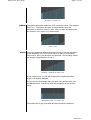
• About... Opens the central help panel and shows about box with
license information
10/08/2013